• This topic is deleted!

    1
    0 Votes
    1 Posts
    4 Views
    No one has replied
  • Can a plugin use the native Node Editor for its own graph?

    2026 c++
    2
    0 Votes
    2 Posts
    75 Views
    ferdinandF
    Hello @sohrabroshanaee, Welcome to the Maxon developers forum and its community, it is great to have you with us! Getting Started Before creating your next postings, we would recommend making yourself accustomed with our forum and support procedures. You did not do anything wrong, we point all new users to these rules. Forum Overview: Provides a broad overview of the fundamental structure and rules of this forum, such as the purpose of the different sub-forums or the fact that we will ban users who engage in hate speech or harassment. Support Procedures: Provides a more in detail overview of how we provide technical support for APIs here. This topic will tell you how to ask good questions and limits of our technical support. Forum Features: Provides an overview of the technical features of this forum, such as Markdown markup or file uploads. It is strongly recommended to read the first two topics carefully, especially the section Support Procedures: How to Ask Questions. About your First Question Please excuse the delay, we can chat about your question in detail next week. You can implement your own material node systems, we also have examples for that. For arbitrary node systems I would have to check myself if that is possible in the public API, but probably not. Cheers, Ferdinand
  • 0 Votes
    2 Posts
    75 Views
    ferdinandF
    Hello @hey2495, Welcome to the Maxon developers forum and its community, it is great to have you with us! Getting Started Before creating your next postings, we would recommend making yourself accustomed with our forum and support procedures. You did not do anything wrong, we point all new users to these rules. Forum Overview: Provides a broad overview of the fundamental structure and rules of this forum, such as the purpose of the different sub-forums or the fact that we will ban users who engage in hate speech or harassment. Support Procedures: Provides a more in detail overview of how we provide technical support for APIs here. This topic will tell you how to ask good questions and limits of our technical support. Forum Features: Provides an overview of the technical features of this forum, such as Markdown markup or file uploads. It is strongly recommended to read the first two topics carefully, especially the section Support Procedures: How to Ask Questions. About your First Question Please excuse the delay, I will be answering your topic next week. Cheers, Ferdinand
  • 0 Votes
    5 Posts
    198 Views
    DunhouD
    btw, same on windows
  • Multi-Icon for Objects on OM and Icon placement on menus

    python
    2
    0 Votes
    2 Posts
    104 Views
    ferdinandF
    Hey @Dimitris_Derm., The example py_msc_licensing shows you how to change the icon of a node at runtime. The example uses this to change the icon of unlicensed nodes and the trick is to listen for the message MSG_GETCUSTOMICON. The example py_obj_assetcontainer shows you how to place icons in cycles (Cinema slang for drop downs). The trick is to set the label of the cycle item to "{Label}&i{IconID}&", e.g., "Cube&i5159&" would display the cube icon next to the word "Cube", because 5159 is the cube object icon id. You can do this both in resource files and dynamically as the example does it. Cheers, Ferdinand
  • Is there a Python equivalent of SceneHookData::Draw()?

    python c++ 2026
    5
    0 Votes
    5 Posts
    141 Views
    AnlvA
    Hi @ferdinand , Yes, I do need the dimension overlay to coexist with another active tool. The plugin is mainly intended to help adjust objects to realistic dimensions and proportions. When precise dimensions are not required, the overlay helps me quickly resize and place objects in the scene. Once that is done, I can turn off the dimension overlay. The plugin can be enabled or disabled directly and includes some settings, with usage similar to the Symmetry tool. Inactive objects do not display dimension information, and grouped objects are measured as a whole, so the viewport does not become a sea of dimension annotations . Cheers, Anlv
  • 0 Votes
    2 Posts
    110 Views
    ferdinandF
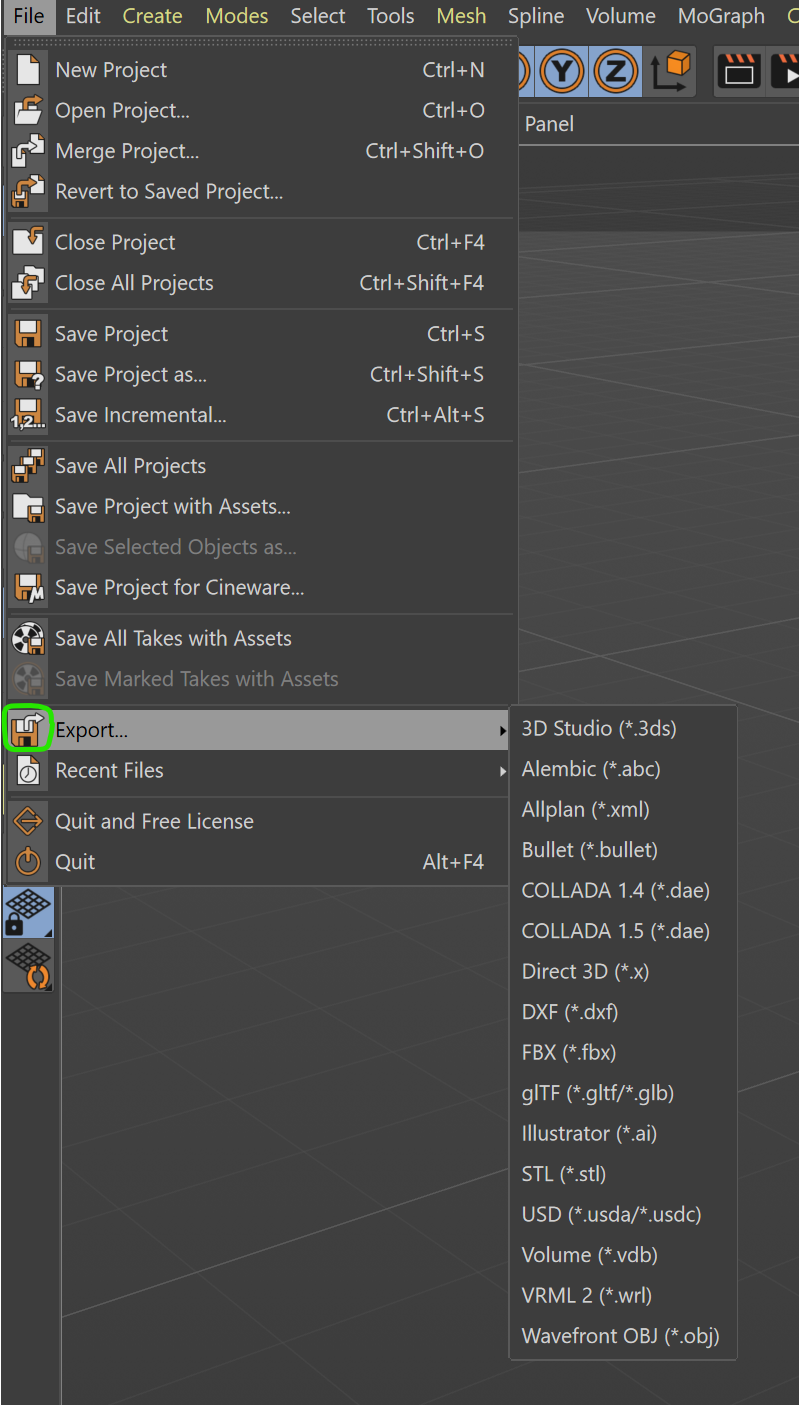
    Hello @hey2495, Welcome to the Maxon developers forum and its community, it is great to have you with us! Getting Started Before creating your next postings, we would recommend making yourself accustomed with our forum and support procedures. You did not do anything wrong, we point all new users to these rules. Forum Overview: Provides a broad overview of the fundamental structure and rules of this forum, such as the purpose of the different sub-forums or the fact that we will ban users who engage in hate speech or harassment. Support Procedures: Provides a more in detail overview of how we provide technical support for APIs here. This topic will tell you how to ask good questions and limits of our technical support. Forum Features: Provides an overview of the technical features of this forum, such as Markdown markup or file uploads. It is strongly recommended to read the first two topics carefully, especially the section Support Procedures: How to Ask Questions. About your First Question I would try closing the file into which you imported the Alembic file. I just checked it, when I import any Alembic file, Cinema holds a lock onto it while the file into which you imported is still open. That seems to be an Alembic specific behaviour, not to say a bug. But it should be avoidable by simply cloning or merging the imported document, so that you can close the import document. I will give the exchange team a heads up on this. Cheers, Ferdinand
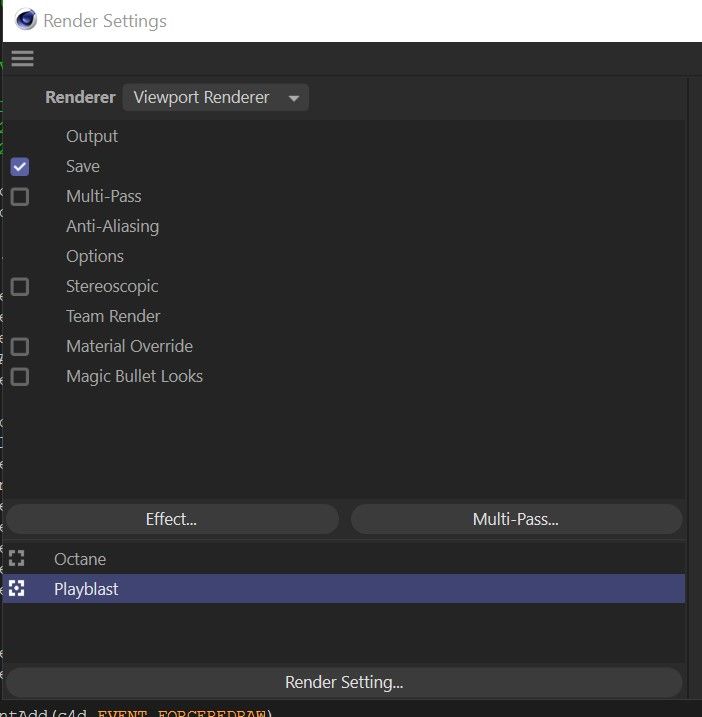
  • Creating a Playblast script falling at the hurdle.

    windows python 2024
    4
    2
    0 Votes
    4 Posts
    795 Views
    M
    Man this saved me so much time too. Thank you.
  • How to find the closest primitive in a mesh

    4
    0 Votes
    4 Posts
    186 Views
    ferdinandF
    First of all, you should open new topics for new questions, as one otherwise tends to derail old topics, which makes it hard to for others to follow things later. I forked your topic. And I also do not quite understand what your question is. GetClosestMeshPrimitive returns you the primitive type via primInfo. When you only want to get the closest point on a mesh, I would build a KD-Tree for its vertices. You then get the closest vertex and its index for your point p. Then you orthogonally project p onto the polygons attached to that vertex (via cinema:: Neighbor). Then you chose the closest point. We have this Python example for KDTree and I also used Neighbor there. Building a KD-tree or just brute forcing it depends a bit on how often you want to do it. For just a handful of points, brute forcing it is usually faster. I am sure you can also do this with DistanceQueryInterface and the uvw coordinate returned in the PrimitiveInformation, but all that extra work where you have to deal with all the primitive types seems like more work than it is worth. And when you want to do this in a generator (by the looks of your screens), using a manual KDTree approach will make it easier to parallelize it effectively and make it go zoom zoom instead of computing all that extra data. Cheers, Ferdinand
  • 0 Votes
    5 Posts
    280 Views
    M
    Thank you all for your answers. Will test this.
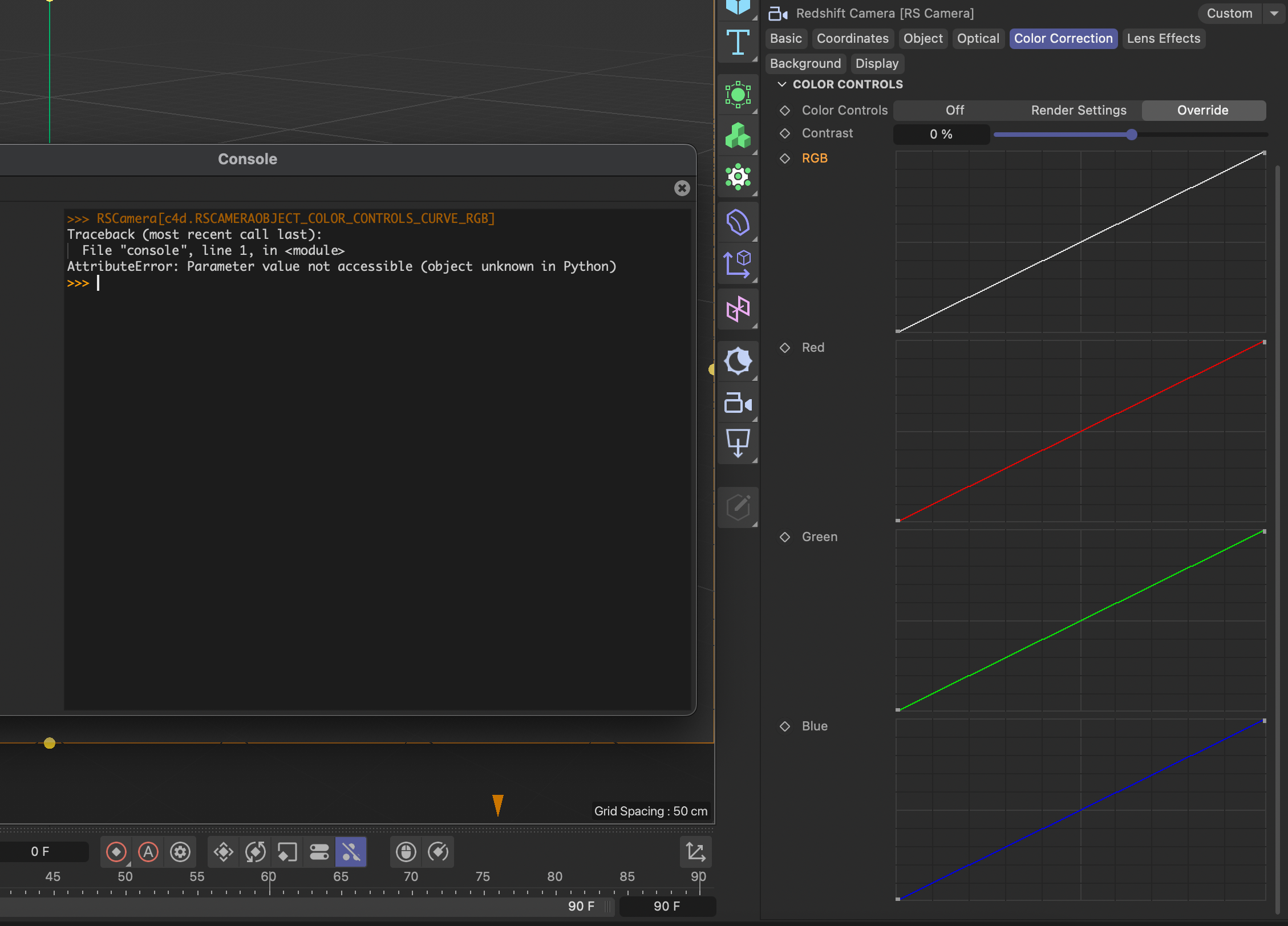
  • c4d.RSCAMERAOBJECT_COLOR_CONTROLS_CURVE_RGB

    python 2026 c++
    3
    1
    0 Votes
    3 Posts
    303 Views
    lasselauchL
    Thank you @ferdinand for looking into this, as well as bumping the request to the RS developers. Any update on this would be appreciated! Thanks.
  • TreeView DropDown Menu

    5
    0 Votes
    5 Posts
    1k Views
    ferdinandF
    Hey, yes it is. The trick is c4d.LV_CHECKBOX_HIDE, the relevant bits happen in GetDropDownMenu. Cheers, Ferdinand I removed the command, you can directly run this in the script manager: import c4d PLUGIN_ID = 12345678 PLUGIN_NAME = "ListView Dropdown Prototype" ID_TREE_VIEW = 1000 ID_FILE_NAME = 1001 ID_IMPORT_OPTION = 1002 ID_IMPORT_OPTION_DEFAULT = 1100 ID_IMPORT_OPTION_HIGH = 1101 ID_IMPORT_OPTION_MEDIUM = 1102 ID_IMPORT_OPTION_LOW = 1103 dummyfile_list = ["hud.stp", "material_reference.wrl", "front_axle.stp", "body.wrl", "wheel_variant.stp"] class DummyFile: def __init__(self, file_name, import_option="Default"): self.file_name = file_name self.import_option = import_option class DummyFileListView(c4d.gui.TreeViewFunctions): def __init__(self, dialog): self.dialog = dialog self.files = [DummyFile(file_name) for file_name in dummyfile_list] def GetFirst(self, root, userdata): return self.files[0] if self.files else None def GetNext(self, root, userdata, dummy_file): current_index = self.files.index(dummy_file) next_index = current_index + 1 return self.files[next_index] if next_index < len(self.files) else None def GetDown(self, root, userdata, dummy_file): return None def GetId(self, root, userdata, dummy_file): return id(dummy_file) def GetName(self, root, userdata, dummy_file): return dummy_file.file_name def IsSelected(self, root, userdata, dummy_file): return False def GetColumnWidth(self, root, userdata, dummy_file, column_id, area): if column_id == ID_FILE_NAME: return area.DrawGetTextWidth(dummy_file.file_name) + 24 if column_id == ID_IMPORT_OPTION: return 120 return 96 def GetDropDownMenu(self, root, userdata, dummy_file, column_id, menu_info): if column_id != ID_IMPORT_OPTION: menu_info["state"] = c4d.LV_CHECKBOX_HIDE return if not dummy_file.file_name.lower().endswith(".stp"): menu_info["state"] = c4d.LV_CHECKBOX_HIDE return options = { ID_IMPORT_OPTION_DEFAULT: "Default", ID_IMPORT_OPTION_HIGH: "High", ID_IMPORT_OPTION_MEDIUM: "Medium", ID_IMPORT_OPTION_LOW: "Low", } for option_id, label in options.items(): menu_info["menu"].SetString(option_id, label) menu_info["entry"] = next( option_id for option_id, label in options.items() if label == dummy_file.import_option ) menu_info["state"] = c4d.LV_CHECKBOX_ENABLED def SetDropDownMenu(self, root, userdata, dummy_file, column_id, entry): if column_id != ID_IMPORT_OPTION: return #this is logical but does not do the trick .... if not dummy_file.file_name.lower().endswith(".stp"): return options = { ID_IMPORT_OPTION_DEFAULT: "Default", ID_IMPORT_OPTION_HIGH: "High", ID_IMPORT_OPTION_MEDIUM: "Medium", ID_IMPORT_OPTION_LOW: "Low", } dummy_file.import_option = options.get(entry, dummy_file.import_option) self.dialog.tree_view.Refresh() class ListViewDropdownDialog(c4d.gui.GeDialog): def __init__(self): self.tree_view = None self.file_list_view = DummyFileListView(self) def CreateLayout(self): self.SetTitle(PLUGIN_NAME) tree_view_settings = c4d.BaseContainer() tree_view_settings.SetBool(c4d.TREEVIEW_BORDER, c4d.BORDER_THIN_IN) tree_view_settings.SetBool(c4d.TREEVIEW_HAS_HEADER, True) tree_view_settings.SetBool(c4d.TREEVIEW_HIDE_LINES, True) tree_view_settings.SetBool(c4d.TREEVIEW_RESIZE_HEADER, True) tree_view_settings.SetBool(c4d.TREEVIEW_FIXED_LAYOUT, True) tree_view_settings.SetBool(c4d.TREEVIEW_ALTERNATE_BG, True) if c4d.GetC4DVersion() >= 24000: tree_view_settings.SetInt32(c4d.TREEVIEW_VERTICAL_SPACE, 4) self.tree_view = self.AddCustomGui(ID_TREE_VIEW, c4d.CUSTOMGUI_TREEVIEW, "", c4d.BFH_SCALEFIT | c4d.BFV_SCALEFIT, 500, 220, tree_view_settings, ) if not self.tree_view: return False layout = c4d.BaseContainer() layout.SetLong(ID_FILE_NAME, c4d.LV_TREE) layout.SetLong(ID_IMPORT_OPTION, c4d.LV_DROPDOWN) self.tree_view.SetLayout(2, layout) self.tree_view.SetHeaderText(ID_FILE_NAME, "Dummy file") self.tree_view.SetHeaderText(ID_IMPORT_OPTION, "STP import option") self.tree_view.SetRoot(self.tree_view, self.file_list_view, None) return True def InitValues(self): self.tree_view.Refresh() return True if __name__ == "__main__": dialog = ListViewDropdownDialog() dialog.Open(c4d.DLG_TYPE_MODAL, 0, -1, -1, 500, 220)

  • Change render Space (Color Profile) - how?

    2025 2026 python
    10
    2
    0 Votes
    10 Posts
    666 Views
    ferdinandF
    You likely have to call UpdateOcioColorSpaces, just follow the example. There is btw no guarantee at all that DOCUMENT_COLOR_MANAGEMENT entails a render space of ACEScg. That is just the default, the user could have changed that. I am also not sure what all that RDATA_IMAGECOLORPROFILE code is meant to do. It depends a bit on what your plugin does and what self.IsForceLinear is meant to express. Only so much: An OCIO document does not necessarily entail a bitmap with a non-linear color profile, and OCIO also does not mean that the bitmap has to be 32bit. You are however missing UNDOTYPE_PRIVATE_DOCUMENTDATA undo management for setting the color management.
  • MergeDocument() crash C4D

    python 2026
    11
    0 Votes
    11 Posts
    815 Views
    chuanzhenC
    @ferdinand Okay, I will handle the plugins and files at an appropriate time.Thanks reply
  • 0 Votes
    10 Posts
    782 Views
    chuanzhenC
    @ferdinand Thanks for your detailed explanation. Although the precision conversion leading to value changes is not an error, it is indeed not what we want in terms of the results. For example, when dealing with the weight of some points, using SetWeightMap() will update the weights of other points, resulting in numerical changes. Only using SetWeight() can at least ensure that the weights of unoperated points do not undergo numerical changes (but using SetWeight() must tolerate the print warnings outputted by the console)
  • Disable all animation in document

    python 2026 windows
    5
    0 Votes
    5 Posts
    468 Views
    C
    Hi, @ferdinand and @Anlv this is most awesome! All way beyond my capablities so thanks a lot for the scripts!
  • After calling BaseContainer.Sort(), the stored values are lost

    Moved 2026 python
    3
    0 Votes
    3 Posts
    274 Views
    chuanzhenC
    @ferdinand Thanks for your detailed explanation and the implementation of the sorting function. It's very helpful!
  • 0 Votes
    3 Posts
    374 Views
    A
    Thanks Anlv It looks like its adding the emitter into a null is what's causing it. Fixed with deferred CallCommand(1062577) (no sub-id (1067510) silently no-ops). Emitter fields greys if the emitter/group are parented under the setup null or generator. Sibling placement below plugin object + rename works fine.
  • Alembic Export to Unreal - RootUVs?

    2024
    4
    0 Votes
    4 Posts
    410 Views
    ferdinandF
    What I meant was to use the Cineware Unreal bindings, but I am not sure if they support it. Going the export route is a big backwards when Cinema has specific bindings. https://www.maxon.net/en/cineware I will give the Unreal dev a bump when I see him again.
  • Adding an Icon to a GeDialog Menu Group

    python sdk windows
    13
    1
    0 Votes
    13 Posts
    2k Views
    M
    Yes I wanted submenu with Icon, thanks for Up to Date clarification.