• Python CallCommands Are Not Executed When Using Nodes?

    2023 python
    9
    0 Votes
    9 Posts
    978 Views
    ferdinandF
    Hello @bentraje, please excuse the delay, but this bug has been fixed in 2023.2, your code from above should work properly now. Cheers, Ferdinand
  • Change textures path from GetAllAssetNew in the new node editor

    python
    4
    0 Votes
    4 Posts
    3k Views
    ferdinandF
    Hello @Tng, Please excuse the very long waiting time, I simply overlooked the question in your answer. One question regarding Assets from the asset browser, in the case of a random machine that is rendering via command-line, is the Asset stored in the Project File or will it be downloaded if's missing ? Assets will be automatically downloaded when they are accessed and not already localized. The type maxon.Url hides all that complexity away with its different URL schemes. The Asset API manual provides an example for how to manually download an asset. But doing that is not possible in the Python API, here one must always rely on the automated asset access mechanisms. Assets can be stored in project files (via BaseDocument.GetSceneRepository) but are usually not, and instead reside in the user preferences directory bound user preferences repository. Once a remote asset has been accessed, a copy of its primary data, e.g., the texture, the model, etc., resides as a cache in the user preferences of that Cinema 4D installation. That cache will only be updated when the primary or secondary (i.e., metadata) of that asset change. Cheers, Ferdinand PS: I have closed this thread due to its age. Please feel free to reopen it when you have more questions.
  • After id exeetzer axis alignment

    r21 python
    4
    2
    0 Votes
    4 Posts
    983 Views
    ferdinandF
    Hello @WDP, Please excuse the very long delay, but I have to overlooked your answer here. But as stated in my initial posting, we can only provide support on concrete technical questions. If I remember correctly, there was another thread preceding this one where the same rule had been lined out, which is why I was as strict in my answer here as I was. And while we understand that this line of questions usually does not come from a bad place when asked by less experienced Python users, we ultimately cannot provide full solutions or even write applications. What might get you (and other information seekers) started on this subject is the operation_transfer_axis_s26.py code example, as it manipulates the "axis" of an object. I have closed this topic due to the lack of an eligible support request. Please feel free to open a new question when you have tangible coding problem for that subject. Cheers, Ferdinand
  • Creating and initializing nested ObjectData

    c++
    5
    0 Votes
    5 Posts
    1k Views
    M
    Hi @CJtheTiger, the most modular way would be the second one with Message, since it does not require you some weird casting and its pretty generic, so if you change your design you can still rely on the same message to do the things. But there is no wrong way, the one that work the best for you is probably the better. With that's said there is also the MultiMessage method that let you send a message directly to multiple objects according to their hierarchical position via the MULTIMSG_ROUTE input flag. Finally to retrieve the implementation (the NodeData) of a GeListNode(the instance) you can call instance->GetNodeData<Child>() Cheers, Maxime.
  • Custom XPRESSO graph editor, show nodes in object manager

    s26 sdk
    10
    0 Votes
    10 Posts
    2k Views
    F
    Great, thanks a lot for looking into this and for the detailed explanations! Now I know better what my options are! I am marking this thread as "solved". Best regards Filip Malmberg
  • NewObj error: no suitable conversion

    c++
    3
    0 Votes
    3 Posts
    825 Views
    CJtheTigerC
    Hi @i_mazlov, no wonder I felt like I was missing something! And now that the iferr_scope is declared I have to bubble it up all the way and that's how I'll get proper error handling. Sweet! To be honest I read about error handling before but was hoping I could skip it during the prototyping phase. But now that I gotta do it, once I'm out of prototyping it'll even be a lot more stable. Plus I also gotta learn about References now which is probably a good idea. [image: 1687453233334-2c37be53-a3ce-4695-afdb-ab8d3410d19b-image.png] Thanks for the quick help! Have a nice rest of the day! Best wishes, CJ
  • Create Splines without lines

    python
    2
    0 Votes
    2 Posts
    524 Views
    ferdinandF
    Hi @Joel, Thank you for reaching out to us. You might want to have a look at this example script of ours which takes you in a scenic tour through SplineObject handling. I also covered the case of a multi-segment spline there. Cheers, Ferdinand
  • Read Background Color from RS Camera

    python 2023
    3
    0 Votes
    3 Posts
    795 Views
    C
    Thanks a lot for the quick response @ferdinand ! I'll use the raw int values then, thanks
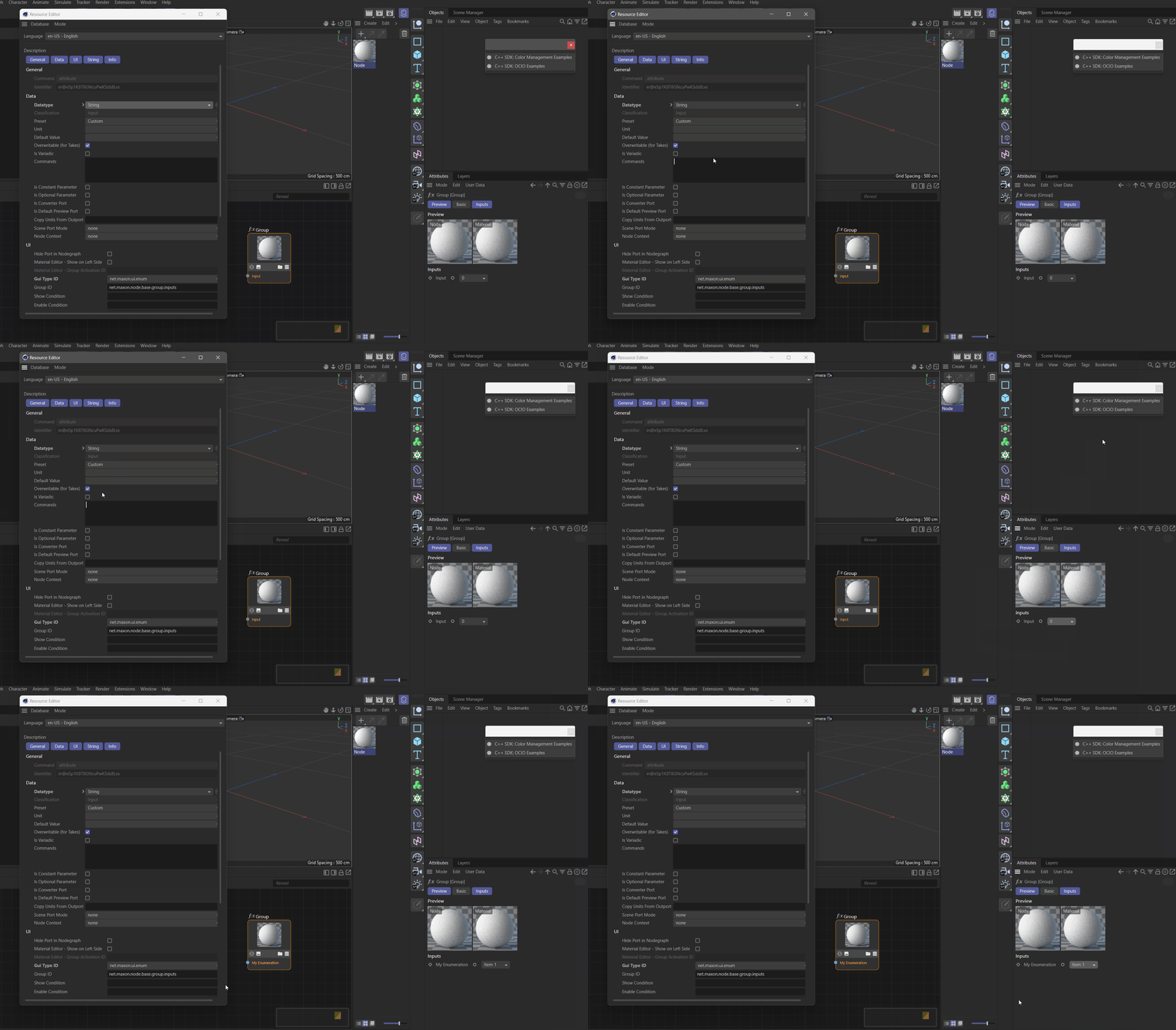
  • How to Add Enum Values to a Node Attribute?

    c++ 2023
    1
    1
    3 Votes
    1 Posts
    350 Views
    No one has replied
  • Apply material to individual faces of a polygon

    python sdk
    8
    0 Votes
    8 Posts
    3k Views
    ferdinandF
    Hey @zauhar, I do not think so that I have told you that, at least I hope so, because that what you say there is not quite correct A vertex map or a vertex color tag can be rendered. When you use the standard renderer, you will have to use the Vertex Map shader, and when you use Redshift, you will need the Vertex Attribute node (just drag and drop the tag in both cases in the respective reference fields of the shaders). Below is an example for the Redshift case: [image: 1686937459914-screenshot-2023-06-16-at-19.41.37.png] Other renderers support Cinema 4D vertex colors too, but you will have to ask their support how that works Vertex Map Shader Vertex Attribute Node Cheers, Ferdinand
  • New Native Redshift camera via Python

    python
    3
    0 Votes
    3 Posts
    593 Views
    M
    Thank you. I got it working thanks to your hints.
  • How to add custom menu to take manager

    3
    0 Votes
    3 Posts
    656 Views
    H
    Hi @i_mazlov, thank you for your reply. Yes, I thought as much. Too bad the take manager menu is not publicy exposed. And while I understand that Maxon as well as the community are not big fans of every plugin messing around with menu insertions, it still is a pitty. One can e.g. insert plugins into the menu of the material manager as done so by "CV-Swim". IMHO it should pose no problem when done carefully with UX in mind while doing so. Especially when one "only" appends entries to a menu. Nethertheless thank you for confirmation. Cheers, Sebastian
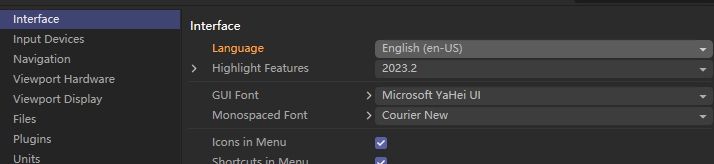
  • How to get the Interface language of c4d

    python 2023
    3
    1
    0 Votes
    3 Posts
    568 Views
    chuanzhenC
    @HerrMay Thanks!
  • How to Use GetConnectionValue/s() or GetConnection()?

    2023 python
    11
    0 Votes
    11 Posts
    2k Views
    indexofrefractionI
    @ferdinand first of all, I understand your frustration, we just yesterday talked about the state of the Nodes API and are well aware of its hurdles for anything but super-experts. you can say that aloud! the whole system is very hard to understand. the only thing i got is all we know about traditional materials and even shaders is for the bin. node support evolved over time and most node examples do not work for people still using older c4d versions. also there are misc 3rd-party renderers that use different kinds of nodes / node systems. Drag & drop of attributes to the console doesn't work anymore, as well. the days of easy scripting are gone..
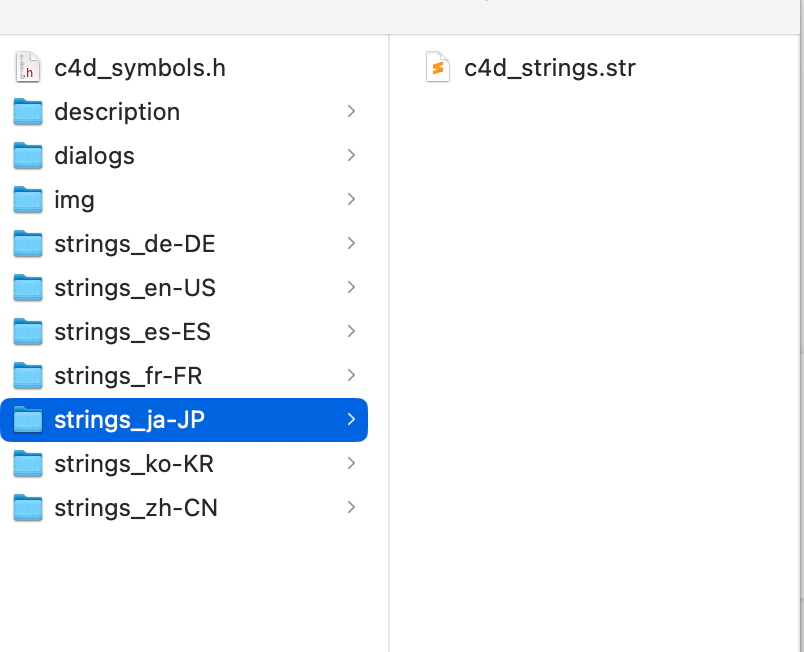
  • Multilingual - Plugin not working

    python
    4
    3
    0 Votes
    4 Posts
    820 Views
    J
    Hi Ferdinand! Perfect! We got it, thank you so much for the quick reply.
  • Best way to detect an object has been deleted?

    python 2023
    5
    0 Votes
    5 Posts
    1k Views
    P
    Thanks again for the great explanation. I guess I will go for a different workflow then.
  • Insert my own command in main render Tab

    python 2023
    7
    0 Votes
    7 Posts
    2k Views
    P
    I really do appreciate all your effort and I will take your warning seriously and create my own menu Tab. Thanks again. Regards, Pim
  • Traversing a layer shader with python

    python 2023
    5
    0 Votes
    5 Posts
    2k Views
    P
    @ferdinand : The GetAllAssetsNew is a far more elegant solution for the problem I am trying to solve and I've rewritten the code so that it works now. We use Corona render and Redshift so it's a bonus that this works with pretty much all materials. Thank you very much for the help, I will put your information about the layer shader in my database for future reference as I'm sure it will become helpful in another project! Kind regards, Joep
  • Setting texture path to a RS Domelight with python

    r25 python
    2
    0 Votes
    2 Posts
    1k Views
    ferdinandF
    Hello @Ryan_Territory, Welcome to the Plugin Café forum and the Cinema 4D development community, it is great to have you with us! Getting Started Before creating your next postings, we would recommend making yourself accustomed with our Forum and Support Guidelines, as they line out details about the Maxon SDK Group support procedures. Of special importance are: Support Procedures: Scope of Support: Lines out the things we will do and what we will not do. Support Procedures: Confidential Data: Most questions should be accompanied by code but code cannot always be shared publicly. This section explains how to share code confidentially with Maxon. Forum Structure and Features: Lines out how the forum works. Structure of a Question: Lines out how to ask a good technical question. It is not mandatory to follow this exactly, but you should follow the idea of keeping things short and mentioning your primary question in a clear manner. About your First Question This exact question of yours has been asked before here for C++. Find a Python variant of the code below. For the technical details, I would recommend reading the older thread. Cheers, Ferdinand Result: [image: 1685984571549-557e9ddd-793a-4d07-aa6e-5ffd7ad05687-image.png] Code: import c4d # Define #Orslight, only must be done in pre 2023.0 API versions. c4d.Orslight: int = 1036751 def main(): doc = c4d.documents.GetActiveDocument() # Create Light light = c4d.BaseObject(c4d.Orslight) # Set the attributes light[c4d.REDSHIFT_LIGHT_TYPE] = c4d.REDSHIFT_LIGHT_TYPE_DOME # Define the texture parameter ID. texturePathId: c4d.DescID = c4d.DescID( # 1st DescLevel for the outer unexposed datatype of "Texture". c4d.DescLevel( c4d.REDSHIFT_LIGHT_DOME_TEX0, # The parameter ID (12000) for "Texture" 1036765, # The datatype ID for for "Texture", this type is not exposed, # we must use the raw ID. c4d.Orslight # The creator ID, Orslight in this case. ), # 2nd DescLevel for the inner exposed datatype of "Texture.Path". c4d.DescLevel( c4d.REDSHIFT_FILE_PATH, # The sub-channel parameter ID (1000) for "Texture.Path" c4d.DTYPE_STRING, # The data type ID of this component, string in this case. 0 # The creator ID, I just went with undefined here. )) light[texturePathId] = "asset:///file_c622e9ad3ea0e159" # Insert the light into the scene doc.InsertObject(light) c4d.EventAdd() if __name__=='__main__': main()

  • Move objects in the hierarchy

    python
    2
    1
    0 Votes
    2 Posts
    695 Views
    KantroninK
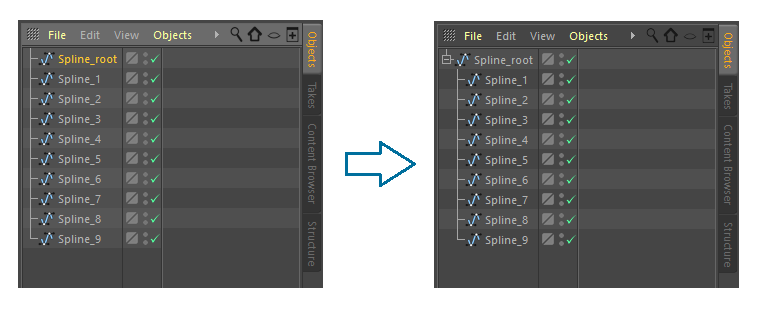
    I found the solution on https://plugincafe.maxon.net/ It was enough in the for loop to add the following line of code: for object in list_object: if object != object_root: object.InsertUnder(object_root) c4d.EventAdd()