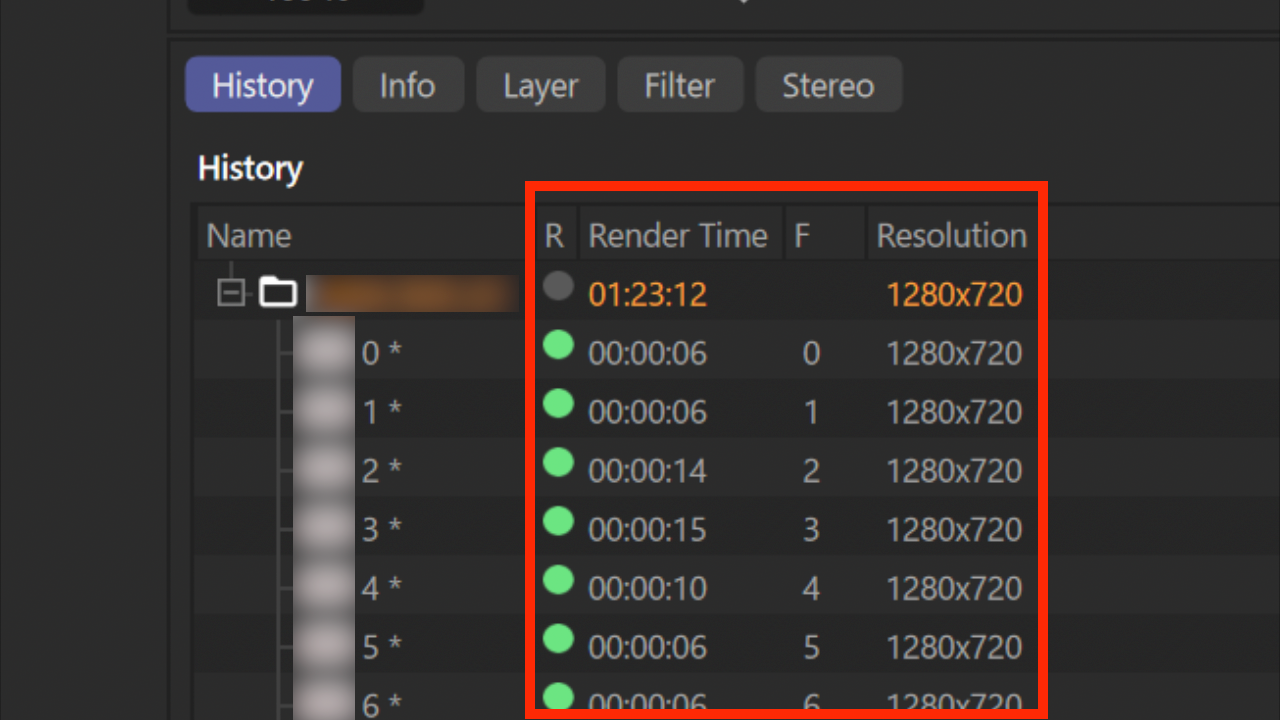
• How to get the render time from picture viewer

    Cinema 4D SDK python
    3
    1
    0 Votes
    3 Posts
    861 Views
    K
    Hi @ferdinand, Thank you as always for your detailed answer and even the sample scene file! It seems like a lot of work with my current level of understanding, but your answer is a great hint. I'll try to do a little research on my own. Thank you very much.
  • 0 Votes
    3 Posts
    735 Views
    I
    Oh yes that's a much better approach! I will provide executables from now on, sorry for the trouble To be honest I was just stuck in an inaccurate frame for how to solve this... thanks for breaking it
  • 0 Votes
    5 Posts
    729 Views
    DunhouD
    @m_magalhaes Thanks for that explain.
  • Rotation for polygon

    Cinema 4D SDK python
    3
    0 Votes
    3 Posts
    889 Views
    KantroninK
    @ferdinand Thanks, it works well My first method was complex: creation of a new orthogonal spatial system, with one of its axes is identical to the axis of rotation compute the coordinates of the points of the object in this new spatial system, then rotate the object calculation of the new coordinates in the initial orthogonal spatial system.
  • Tool plugin gui

    Cinema 4D SDK s22 python
    7
    0 Votes
    7 Posts
    1k Views
    chuanzhenC
    @ferdinand Thanks!
  • 0 Votes
    5 Posts
    1k Views
    ferdinandF
    Hello @jack0319, Yes, this is a bug. I had to do some digging first (debug against c4d) to find out what is going wrong here. It seems like this is a bug in the scroll group gadget. I was unable to pinpoint what is going exactly wrong, but when a new document is created, the scroll group position is set again, because Cinema 4D is reinitializing its layout. You currently cannot do anything about this. I have filed a bug report on our bug tracker and will update this thread when the bug has been fixed. We cannot make any guarantees regarding an ETA and considering that this is a negligible impact bug, it could take multiple revisions until the bug is fixed. Cheers, Ferdinand
  • 0 Votes
    4 Posts
    1k Views
    chuanzhenC
    @ferdinand Thanks for your help!
  • Node port Vector2 value is not recognized by Python

    Cinema 4D SDK
    3
    0 Votes
    3 Posts
    517 Views
    C
    Thank you for the answer Manuel
  • How to change render setting before add BatchRender

    Cinema 4D SDK r23 python
    6
    0 Votes
    6 Posts
    2k Views
    T
    Thank you for your very kindness support.🥺 There are methods I didn't know about Python, so I learned a lot! I've already assembled the other parts, but I'm going to update it with the code you wrote. Please let me know if there is anything else! Cheers!
  • 0 Votes
    7 Posts
    838 Views
    DunhouD
    @m_magalhaes Hey, It's hard to change python to c++ to me now, I type the code in vs2019, and It is a lot of bugs like :: after has a class namelike this or something like this. I also check Logerr topic form kbar, And all of it is bit hard to me to approach it, I guess since I can log some text to ohers Logger like Rendererwith maxon.Loggers , It probly can work for me -- Maybe the most dowside is I can not custom the logger name . As bad obsessional it is a little anosing. Will python can do this or a Logger example for cpp githubin the furture if give a code out of box is not the purpose of the blog? Sorry to that , I tried since a read this post and I realized I cann't make C++ works for me as soon.
  • 0 Votes
    14 Posts
    1k Views
    DunhouD
    @ferdinand Thaks for all of that explains . With your detailed and friendly explains , A new habbitor like me can code within Cinema 4D as well . Thanks for that !
  • embed interface

    Cinema 4D SDK python sdk
    6
    4
    0 Votes
    6 Posts
    1k Views
    M
    @ferdinand thanks a lot, best wishes!
  • something problem with using TreeViewCustomGui

    Cinema 4D SDK python sdk
    3
    2
    0 Votes
    3 Posts
    531 Views
    M
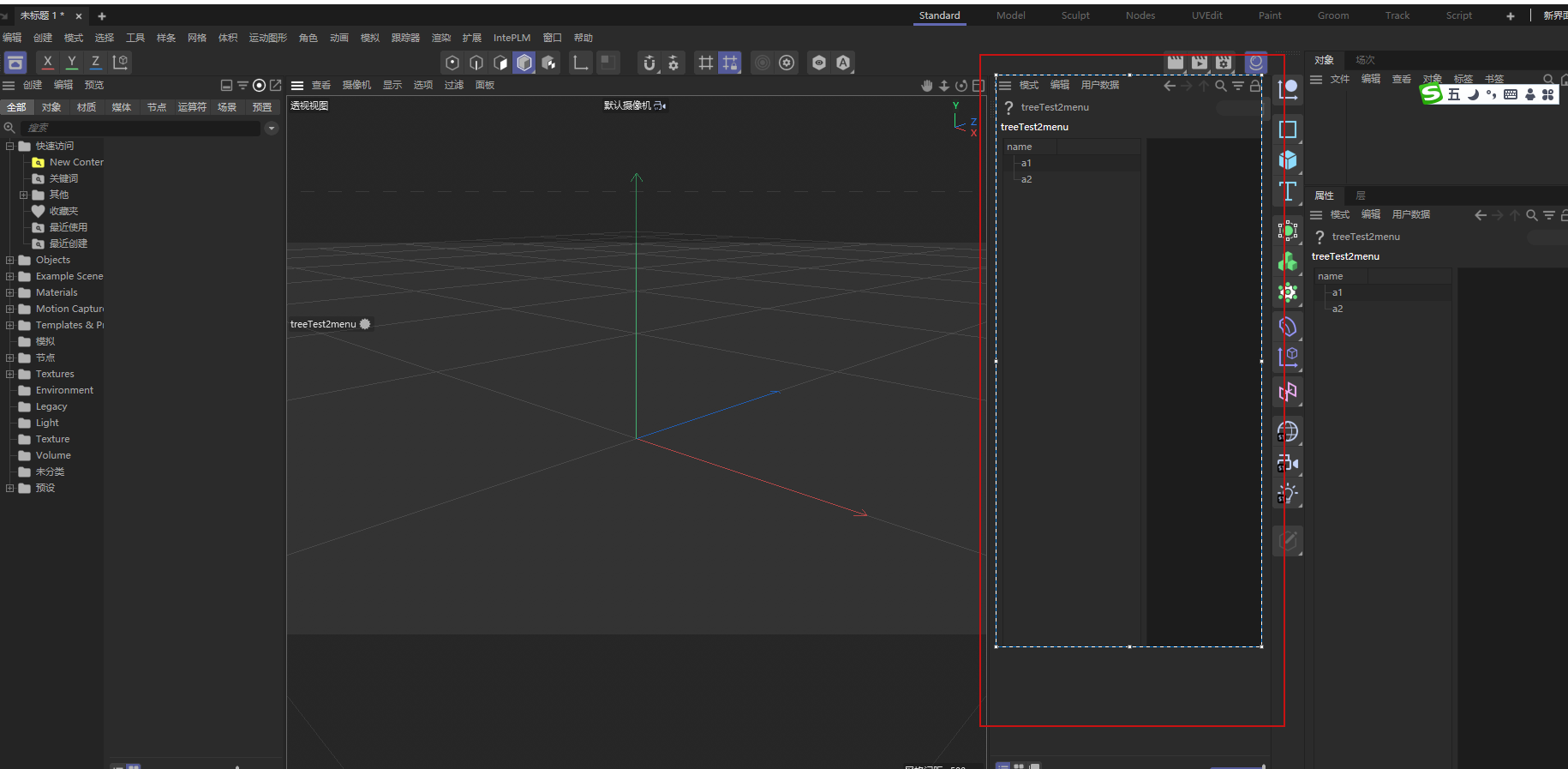
    @ferdinand thank you very much,it had been solved According to your method,have a good day!
  • 0 Votes
    4 Posts
    847 Views
    ferdinandF
    Hello @kng_ito, I agree that it is odd, or as you nicely put it, unkind. The problem is also that the meaning of segments in the context of a SplineObject (the data count of the Tsegment tag) and a LineObject (the data count of its Tline tag) is being mixed up. B(Cache).GetSegmentCount() = 2 <- A LineObject instance. B(Cache).GetTags() = [ <c4d.VariableTag object called with ID 5712 ... <- The Tline tag. <c4d.VariableTag object called with ID 5680 ... <c4d.SegmentTag object called with ID 5672 ... <- The Tsegment tag for the host. <c4d.PointTag object called with ID 5600 ... ] The problem of this design is that LineObject.GetSegmentCount returns the segment count in the sense of its host object, the SplineObject, as the number of disjunct curve sections in the spline (segment tag). The segments in the sense of a LineObject, the number of line segments the hosting spline object has been quantized into in the LineObject (line tag), is only indirectly accessible over getting the Tline tag of that object. Which in turn might confuse users why they cannot get a specific segment as you wanted to. But this design was apparently intentional and aims at minimizing the number of tags in the traverseable scene-graph (things inside caches are out of sight so to speak and not a problem). It is therefore unlikely that we will change this. The best I can do for now, is adding a note to LineObject.GetSegmentCount and SplineObject.GetSegmentCount which hints at the problem. Cheers, Ferdinand
  • How to get Viewport pixel color

    Cinema 4D SDK s26 python
    4
    1
    0 Votes
    4 Posts
    455 Views
    chuanzhenC
    @ferdinand Hi,i use RenderDocument in python,although it is a little slow and needs to wait for a second, it works successfully. Thanks for your help,gif show it works: [image: 1660008431592-ssss.gif]
  • Filename Gui how get empty folder path

    Cinema 4D SDK python s26
    3
    1
    0 Votes
    3 Posts
    400 Views
    chuanzhenC
    @ferdinand Thanks. I create Filename Gui in CreateLayout it work,this is code: bc = c4d.BaseContainer() bc.SetBool(c4d.FILENAME_DIRECTORY,True) self.AddCustomGui(1012, c4d.CUSTOMGUI_FILENAME,"",c4d.BFH_SCALEFIT, 50, 20, bc)
  • Display points

    Cinema 4D SDK python
    2
    0 Votes
    2 Posts
    654 Views
    ferdinandF
    Hello @merkvilson, thank you for reaching out to us. It would have been helpful to indicate what you would consider older and the latest version of Cinema 4D in this context, but I assume your problem is caused by you using a pre-S22 TagData plugin which implements TagData.Draw in a S22+ version. With S22, the flag TAG_IMPLEMENTS_DRAW_FUNCTION has been added to c4d.plugins.RegisterTagPlugin. You must pass it, when you want the method to be called. I would also point out that ptList = op.GetCache().GetAllPoints() is rather risky, as is assumes op to always have a cache which is a point object. Objects can have no caches and caches can contain other things than point objects. You should be a bit more defensive here, even if you intend to only use the plugin 'in this one scenario where this will work'. Cheers, Ferdinand
  • 0 Votes
    3 Posts
    555 Views
    T
    Hi Ferdinand. Thank you for the thorough response. Apologies for the ambiguity on my part. For a test project I wanted to fetch star coordinates (for ~100K–1M+ stars) and their brightness values. Then instance Redshift spheres onto them with a material where the brightness of each point is piped into the material's emission. This was a test project to get started with python. I also wanted to see if c4d has a way of working with points and attributes. I don't think the real-world (galaxy?) data is available, but ideally each star would also have a radius, which would drive the sphere scales/sizes. I'm familiar with cloner/effector/field setups, but I was looking for a programatic approach. I don't know how to pass specific values to each point (brightness in this case) and then to clones with effectors/fields.
  • 0 Votes
    10 Posts
    2k Views
    DunhouD
    @ferdinand It seems more complicate and detailed doc in C++ document than python. I will be helpful to move on. Thanks to that
  • Look At Camera Tag and text orientation

    Cinema 4D SDK python
    12
    0 Votes
    12 Posts
    4k Views
    Z
    @ferdinand Thanks, that is exactly correct - in fact I did not need to make the orthonormal vector, all one needs do is set the objects Y-axis equal to the camera, and get the x-axis by cross product . I think I correctly handle the pathological situation after looking at the limiting cases. The modified function is below. Randy EPSILON = 1E-5 # The floating point precision we are going to assume, i.e., 0.00001 # This is based on the python Look at Camera example # https://github.com/PluginCafe/cinema4d_py_sdk_extended/tree/master/plugins/py-look_at_camera_r13 def GetLookAtTransform(host: c4d.Matrix, target: c4d.Matrix, reverseZ=True) -> c4d.Matrix: """Returns a transform which orients its z/k/v3 component from #host to #target. """ # Get the position of both transforms. p: c4d.Vector = host.off q: c4d.Vector = target.off # The normalized offset vector between 'host' (object to be reoriented) and 'target' (the camera) # will become the z-axis of the modified frame for the object . # # If reverseZ = True, the new z-axis is points from camera toward object, if False the reverse # I turn reverseZ on by default, as my initial application is to text splines, which are meant to be # viewed looking down the object z-axis. # In the original implementation # (https://github.com/PluginCafe/cinema4d_py_sdk_extended/tree/master/plugins/py-look_at_camera_r13 ) # the modified y-axisis computed using the global y-axis, and this does not consistently # keep the text upright in the view of the camera. Instead, simply take the object y-axis same as camera y. # # In the pathological case of new object z-axis parallel to camera y : # If reverseZ : set object z = camera y , object y = -camera Z # else : set object z = -camera y, object y = -camera z # if reverseZ : z: c4d.Vector = ~(p - q) if 1. - abs(z * target.v2) > EPSILON : y = target.v2 else : z = target.v2 y = -target.v3 else : z: c4d.Vector = ~(q - p) if 1. - abs(z * target.v2) > EPSILON : y = target.v2 else : z = -target.v2 y = -target.v3 # get x using cross product x: c4d.Vector = ~(y % z) # Return the frame (x, y, z) plus the offset of #host as the look-at transform. return c4d.Matrix(off=p, v1=x, v2=y, v3=z)