Maxon Developers Maxon Developers
    • Documentation
      • Cinema 4D Python API
      • Cinema 4D C++ API
      • Cineware API
      • ZBrush Python API
      • ZBrush GoZ API
      • Code Examples on Github
    • Forum
    • Downloads
    • Support
      • Support Procedures
      • Registered Developer Program
      • Plugin IDs
      • Contact Us
    • Categories
      • Overview
      • News & Information
      • Cinema 4D SDK Support
      • Cineware SDK Support
      • ZBrush 4D SDK Support
      • Bugs
      • General Talk
    • Recent
    • Tags
    • Users
    • Register
    • Login
    1. Maxon Developers Forum
    2. simonator420
    3. Topics
    S
    Offline
    • Profile
    • Following 0
    • Followers 0
    • Topics 4
    • Posts 7
    • Groups 0

    Topics

    • S

      HideElement in Cinema 4D 2024

      Watching Ignoring Scheduled Pinned Locked Moved Cinema 4D SDK 2024 python
      4
      2
      0 Votes
      4 Posts
      1k Views
      DunhouD
      Yes @simonator420 , it worked in 2023, and not worked any more in 2024, I also found that strange behavior in HideElement() and confused me for a while.
    • S

      Redshift Standard Material base Properties

      Watching Ignoring Scheduled Pinned Locked Moved Bugs
      3
      1
      0 Votes
      3 Posts
      2k Views
      ferdinandF
      Hey @simonator420, Thank you for reaching out to us. And thank you @Dunhou for providing a solution. You should however be aware that Dunhou's solution requires his proprietary library as he states below. I think you should give it a spin because it is quite useful. When you must remain within the bounds of the Cinema 4D standard library, find an example for how to do that below. Cheers, Ferdinand PS: I have added the example below to the code examples of the upcoming release alongside the standard renderer example. Result: [image: 1693559902074-2f242653-ad67-4010-a78a-277f5953b856-image.png] Code: #coding: utf-8 """Demonstrates setting up a Redshift node material composed out of multiple nodes. Creates a new node material with a graph in the Redshift material space, containing two texture nodes and a mix node, in addition to the default core material and material node of the material. Topics: * Creating a node material and adding a graph * Adding nodes to a graph * Setting the value of ports without wires * Connecting ports with a wires * (Asset API): Using texture assets in a node graph """ __author__ = "Ferdinand Hoppe" __copyright__ = "Copyright (C) 2023 MAXON Computer GmbH" __date__ = "01/09/2023" __license__ = "Apache-2.0 License" __version__ = "2023.2.0" import c4d import maxon doc: c4d.documents.BaseDocument # The active document. def main() -> None: """Runs the example. """ # The asset URLs for the "RustPaint0291_M.jpg" and "Sketch (HR basic026).jpg" texture assets in # "tex/Surfaces/Dirt Scratches & Smudges/". These could also be replaced with local texture URLs, # e.g., "file:///c:/textures/stone.jpg". These IDs can be discovered with the #-button in the info # area of the Asset Browser. urlTexRust: maxon.Url = maxon.Url(r"asset:///file_edb3eb584c0d905c") urlTexSketch: maxon.Url = maxon.Url(r"asset:///file_3b194acc5a745a2c") # The node asset IDs for the two node types to be added in the example; the texture node and the # mix node. These and all other node IDs can be discovered in the node info overlay in the # bottom left corner of the Node Editor. Open the Cinema 4D preferences by pressing CTRL/CMD + E # and enable Node Editor -> Ids in order to see node and port IDs in the Node Editor. idTextureNode: maxon.Id = maxon.Id("com.redshift3d.redshift4c4d.nodes.core.texturesampler") idMixNode: maxon.Id = maxon.Id("com.redshift3d.redshift4c4d.nodes.core.rscolormix") idCoreMaterialNode: maxon.Id = maxon.Id("com.redshift3d.redshift4c4d.nodes.core.material") # Instantiate a material, get its node material and the graph for the RS material space. material: c4d.BaseMaterial = c4d.BaseMaterial(c4d.Mmaterial) if not material: raise MemoryError(f"{material = }") nodeMaterial: c4d.NodeMaterial = material.GetNodeMaterialReference() graph: maxon.GraphModelRef = nodeMaterial.AddGraph( maxon.Id("com.redshift3d.redshift4c4d.class.nodespace")) if graph.IsNullValue(): raise RuntimeError("Could not add RS graph to material.") doc.InsertMaterial(material) c4d.EventAdd() # Attempt to find the core material node contained in the default graph setup. result: list[maxon.GraphNode] = [] maxon.GraphModelHelper.FindNodesByAssetId(graph, idCoreMaterialNode, True, result) if len(result) < 1: raise RuntimeError("Could not find standard node in material.") standardNode: maxon.GraphNode = result[0] # Start modifying the graph by opening a transaction. Node graphs follow a database like # transaction model where all changes are only finally applied once a transaction is committed. with graph.BeginTransaction() as transaction: # Add two texture nodes and a blend node to the graph. rustTexNode: maxon.GraphNode = graph.AddChild(maxon.Id(), idTextureNode) sketchTexNode: maxon.GraphNode = graph.AddChild(maxon.Id(), idTextureNode) mixNode: maxon.GraphNode = graph.AddChild(maxon.Id(), idMixNode) # Set the default value of the 'Mix Amount' port, i.e., the value the port has when no # wire is connected to it. This is equivalent to the user setting the value to "0.5" in # the Attribute Manager. mixAmount: maxon.GraphNode = mixNode.GetInputs().FindChild( "com.redshift3d.redshift4c4d.nodes.core.rscolormix.mixamount") mixAmount.SetDefaultValue(0.5) # Set the path sub ports of the 'File' ports of the two image nodes to the texture URLs # established above. Other than for the standard node space image node, the texture is # expressed as a port bundle, i.e., a port which holds other ports. The texture of a texture # node is expressed as the "File" port, of which "Path", the URL, is only one of the possible # sub-ports to set. pathRustPort: maxon.GraphNode = rustTexNode.GetInputs().FindChild( "com.redshift3d.redshift4c4d.nodes.core.texturesampler.tex0").FindChild("path") pathSketchPort: maxon.GraphNode = sketchTexNode.GetInputs().FindChild( "com.redshift3d.redshift4c4d.nodes.core.texturesampler.tex0").FindChild("path") pathRustPort.SetDefaultValue(urlTexRust) pathSketchPort.SetDefaultValue(urlTexSketch) # Get the color output ports of the two texture nodes and the color blend node. rustTexColorOutPort: maxon.GraphNode = rustTexNode.GetOutputs().FindChild( "com.redshift3d.redshift4c4d.nodes.core.texturesampler.outcolor") sketchTexColorOutPort: maxon.GraphNode = sketchTexNode.GetOutputs().FindChild( "com.redshift3d.redshift4c4d.nodes.core.texturesampler.outcolor") mixColorOutPort: maxon.GraphNode = mixNode.GetOutputs().FindChild( "com.redshift3d.redshift4c4d.nodes.core.rscolormix.outcolor") # Get the fore- and background port of the blend node and the color port of the BSDF node. mixInput1Port: maxon.GraphNode = mixNode.GetInputs().FindChild( "com.redshift3d.redshift4c4d.nodes.core.rscolormix.input1") mixInput2Port: maxon.GraphNode = mixNode.GetInputs().FindChild( "com.redshift3d.redshift4c4d.nodes.core.rscolormix.input2") coreDiffusePort: maxon.GraphNode = standardNode.GetInputs().FindChild( "com.redshift3d.redshift4c4d.nodes.core.material.diffuse_color") # Wire up the two texture nodes to the blend node and the blend node to the BSDF node. rustTexColorOutPort.Connect(mixInput1Port, modes=maxon.WIRE_MODE.NORMAL, reverse=False) sketchTexColorOutPort.Connect(mixInput2Port, modes=maxon.WIRE_MODE.NORMAL, reverse=False) mixColorOutPort.Connect(coreDiffusePort, modes=maxon.WIRE_MODE.NORMAL, reverse=False) # Finish the transaction to apply the changes to the graph. transaction.Commit() # Insert the material into the document and push an update event. doc.InsertMaterial(material) c4d.EventAdd() if __name__ == "__main__": main()
    • S

      TreeView DropDown Menu

      Watching Ignoring Scheduled Pinned Locked Moved Cinema 4D SDK
      5
      0 Votes
      5 Posts
      1k Views
      ferdinandF
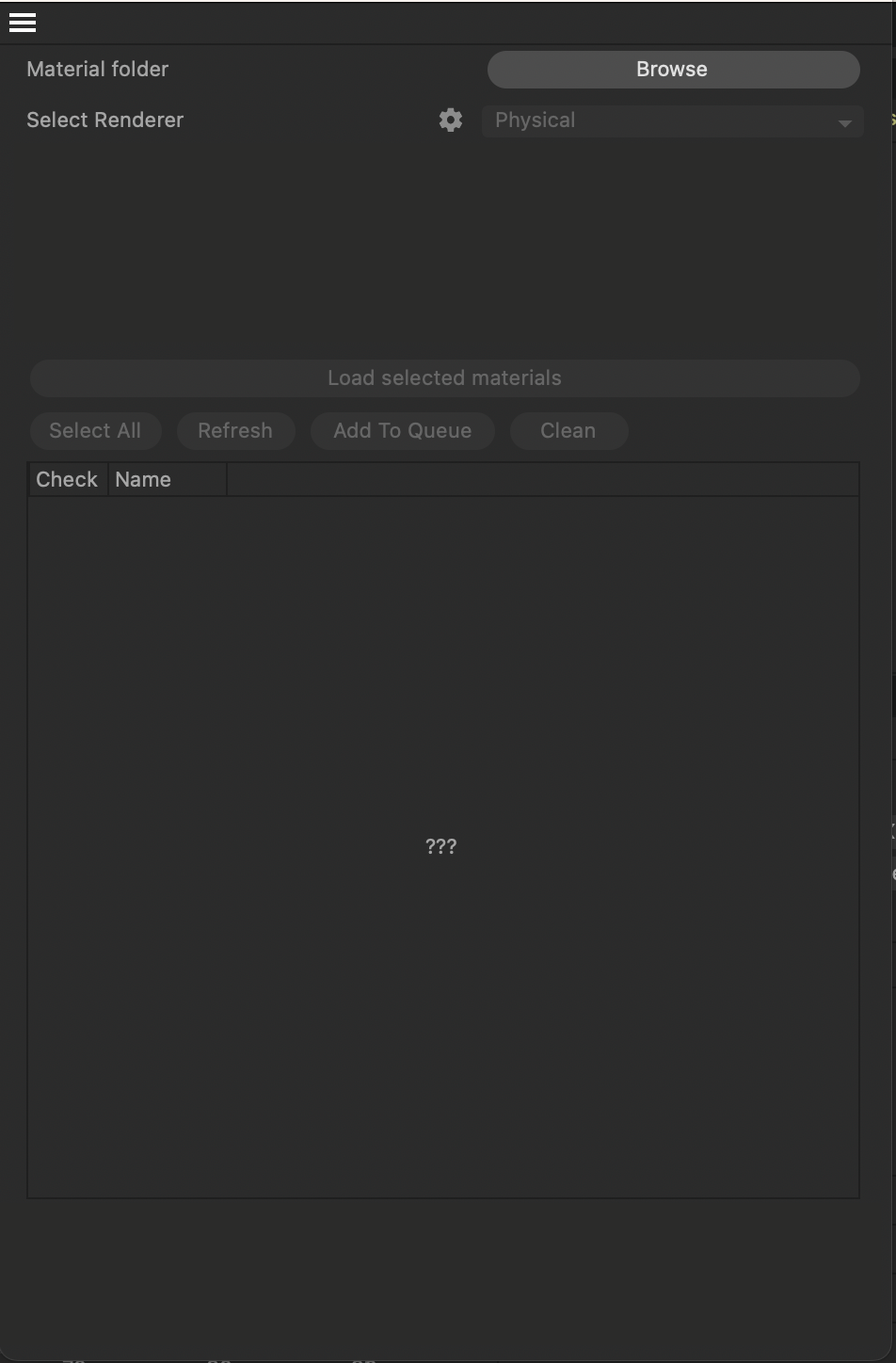
      Hey, yes it is. The trick is c4d.LV_CHECKBOX_HIDE, the relevant bits happen in GetDropDownMenu. Cheers, Ferdinand I removed the command, you can directly run this in the script manager: import c4d PLUGIN_ID = 12345678 PLUGIN_NAME = "ListView Dropdown Prototype" ID_TREE_VIEW = 1000 ID_FILE_NAME = 1001 ID_IMPORT_OPTION = 1002 ID_IMPORT_OPTION_DEFAULT = 1100 ID_IMPORT_OPTION_HIGH = 1101 ID_IMPORT_OPTION_MEDIUM = 1102 ID_IMPORT_OPTION_LOW = 1103 dummyfile_list = ["hud.stp", "material_reference.wrl", "front_axle.stp", "body.wrl", "wheel_variant.stp"] class DummyFile: def __init__(self, file_name, import_option="Default"): self.file_name = file_name self.import_option = import_option class DummyFileListView(c4d.gui.TreeViewFunctions): def __init__(self, dialog): self.dialog = dialog self.files = [DummyFile(file_name) for file_name in dummyfile_list] def GetFirst(self, root, userdata): return self.files[0] if self.files else None def GetNext(self, root, userdata, dummy_file): current_index = self.files.index(dummy_file) next_index = current_index + 1 return self.files[next_index] if next_index < len(self.files) else None def GetDown(self, root, userdata, dummy_file): return None def GetId(self, root, userdata, dummy_file): return id(dummy_file) def GetName(self, root, userdata, dummy_file): return dummy_file.file_name def IsSelected(self, root, userdata, dummy_file): return False def GetColumnWidth(self, root, userdata, dummy_file, column_id, area): if column_id == ID_FILE_NAME: return area.DrawGetTextWidth(dummy_file.file_name) + 24 if column_id == ID_IMPORT_OPTION: return 120 return 96 def GetDropDownMenu(self, root, userdata, dummy_file, column_id, menu_info): if column_id != ID_IMPORT_OPTION: menu_info["state"] = c4d.LV_CHECKBOX_HIDE return if not dummy_file.file_name.lower().endswith(".stp"): menu_info["state"] = c4d.LV_CHECKBOX_HIDE return options = { ID_IMPORT_OPTION_DEFAULT: "Default", ID_IMPORT_OPTION_HIGH: "High", ID_IMPORT_OPTION_MEDIUM: "Medium", ID_IMPORT_OPTION_LOW: "Low", } for option_id, label in options.items(): menu_info["menu"].SetString(option_id, label) menu_info["entry"] = next( option_id for option_id, label in options.items() if label == dummy_file.import_option ) menu_info["state"] = c4d.LV_CHECKBOX_ENABLED def SetDropDownMenu(self, root, userdata, dummy_file, column_id, entry): if column_id != ID_IMPORT_OPTION: return #this is logical but does not do the trick .... if not dummy_file.file_name.lower().endswith(".stp"): return options = { ID_IMPORT_OPTION_DEFAULT: "Default", ID_IMPORT_OPTION_HIGH: "High", ID_IMPORT_OPTION_MEDIUM: "Medium", ID_IMPORT_OPTION_LOW: "Low", } dummy_file.import_option = options.get(entry, dummy_file.import_option) self.dialog.tree_view.Refresh() class ListViewDropdownDialog(c4d.gui.GeDialog): def __init__(self): self.tree_view = None self.file_list_view = DummyFileListView(self) def CreateLayout(self): self.SetTitle(PLUGIN_NAME) tree_view_settings = c4d.BaseContainer() tree_view_settings.SetBool(c4d.TREEVIEW_BORDER, c4d.BORDER_THIN_IN) tree_view_settings.SetBool(c4d.TREEVIEW_HAS_HEADER, True) tree_view_settings.SetBool(c4d.TREEVIEW_HIDE_LINES, True) tree_view_settings.SetBool(c4d.TREEVIEW_RESIZE_HEADER, True) tree_view_settings.SetBool(c4d.TREEVIEW_FIXED_LAYOUT, True) tree_view_settings.SetBool(c4d.TREEVIEW_ALTERNATE_BG, True) if c4d.GetC4DVersion() >= 24000: tree_view_settings.SetInt32(c4d.TREEVIEW_VERTICAL_SPACE, 4) self.tree_view = self.AddCustomGui(ID_TREE_VIEW, c4d.CUSTOMGUI_TREEVIEW, "", c4d.BFH_SCALEFIT | c4d.BFV_SCALEFIT, 500, 220, tree_view_settings, ) if not self.tree_view: return False layout = c4d.BaseContainer() layout.SetLong(ID_FILE_NAME, c4d.LV_TREE) layout.SetLong(ID_IMPORT_OPTION, c4d.LV_DROPDOWN) self.tree_view.SetLayout(2, layout) self.tree_view.SetHeaderText(ID_FILE_NAME, "Dummy file") self.tree_view.SetHeaderText(ID_IMPORT_OPTION, "STP import option") self.tree_view.SetRoot(self.tree_view, self.file_list_view, None) return True def InitValues(self): self.tree_view.Refresh() return True if __name__ == "__main__": dialog = ListViewDropdownDialog() dialog.Open(c4d.DLG_TYPE_MODAL, 0, -1, -1, 500, 220)
    • S

      Inserting items into dropbox to TreeView

      Watching Ignoring Scheduled Pinned Locked Moved Cinema 4D SDK
      4
      1
      0 Votes
      4 Posts
      1k Views
      M
      Hi @simonator420 for this purpose you have to define GetDropDownMenu and SetDropDownMenu. GetDropDownMenu is called by Cinema 4D to retrieve the content of the menu to display from the menuInfo dictionary. For more information about this dictionary please have a look at TreeViewDropDownMenuInfo Dict. SetDropDownMenu is called by Cinema 4D when the user select a value from the dropdown. Find bellow an implementation example: def GetDropDownMenu(self, root, userdata, obj: Entry, lColumn, menuInfo): menuInfo["entry"] = 1001 # Select teh second entry menuInfo["menu"][1000] = "First Entry" menuInfo["menu"][1001] = "Second Entry" menuInfo["menu"][1002] = "ThirdEntry" menuInfo["state"] = int(menuInfo["state"]) # Workaround to not have warning in Cinema 4D. Will be fixed in the next C4D version. def SetDropDownMenu(self, root, userdata, obj, lColumn, entry): print(f"User selected the entry with the ID: {entry}") Finally note that due to an issue that will be fixed in the upcoming version of Cinema 4D, even if you do not change the state, you need to override it to an int value otherwise it will print an error in the console (this is not blocking but still). Cheers, Maxime.