How to find the closest primitive in a mesh
-
I was very happy to find this nice example. Thanks Ferdinand!
However looking at the docs and If I have understood this correctly, I should be able to include <distancequery.h> to get access to the DistanceQueryInterface.
My problem is that the <distancequery.h> source file is not found.
All common frameworks are available to my build system.
Any help or hint on what to look for would be much appreciated. I'm sure I have overlooked something trivial.
set(maxon_targetFrameworkDependencies
asset.framework
cinema.framework
cinema_hybrid.framework
crypt.framework
core.framework
corenodes.framework
command.framework
image.framework
math.framework
misc.framework
mesh_misc.framework
python.framework
) -
Hey @dex,
distancequery.his part of themesh_misc.frameworkwhich you alreeady include. Sounds a bit like you have a corrupted build system on your hands or are not using the frameworks you think you are using. Where does the CMake fragment come from you show us? I assume you are using the oldprojectdefintion.txtsourced workflow (in which case you should us show that file). Or are you a beta member and have access to the 2027 SDK (which is natively pure CMake), in which case this would be invalid CMake markup, as some stuff has changed.Have you checked in the IDE of your choice that the
mesh_misc.frameworkshows up as a dependency of the project in which you want to#include "maxon/distancequery.h"? And just for the recoord, this is not a std lib, so you cannot use#include <>but must use#include "". And since this is part of the Maxon API, you also need to specify themaxonfolder.Cheers,
Ferdinand -
Thank you Ferdinand.
I have everything working now. The #include <> brackets was just a copy paste thing from the docs. I just had to add the path as you pointed out "maxon/distancequery.h".
One last question about the behavior of
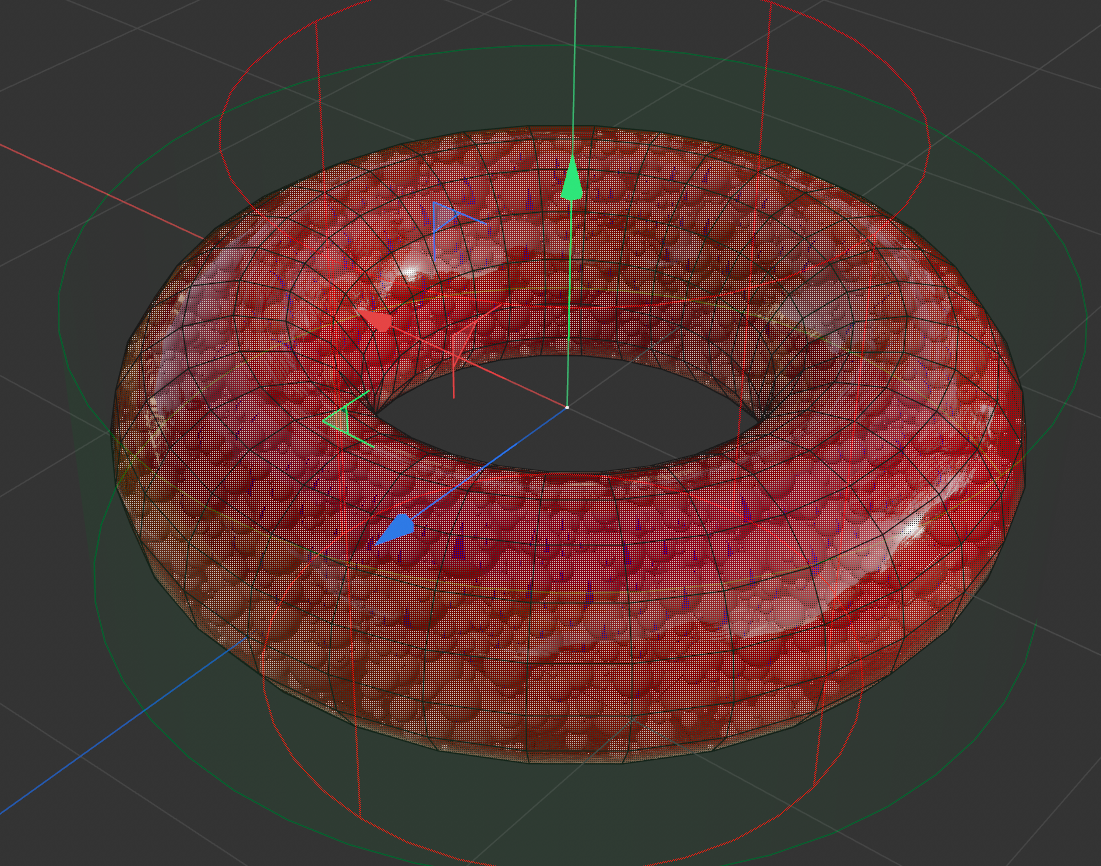
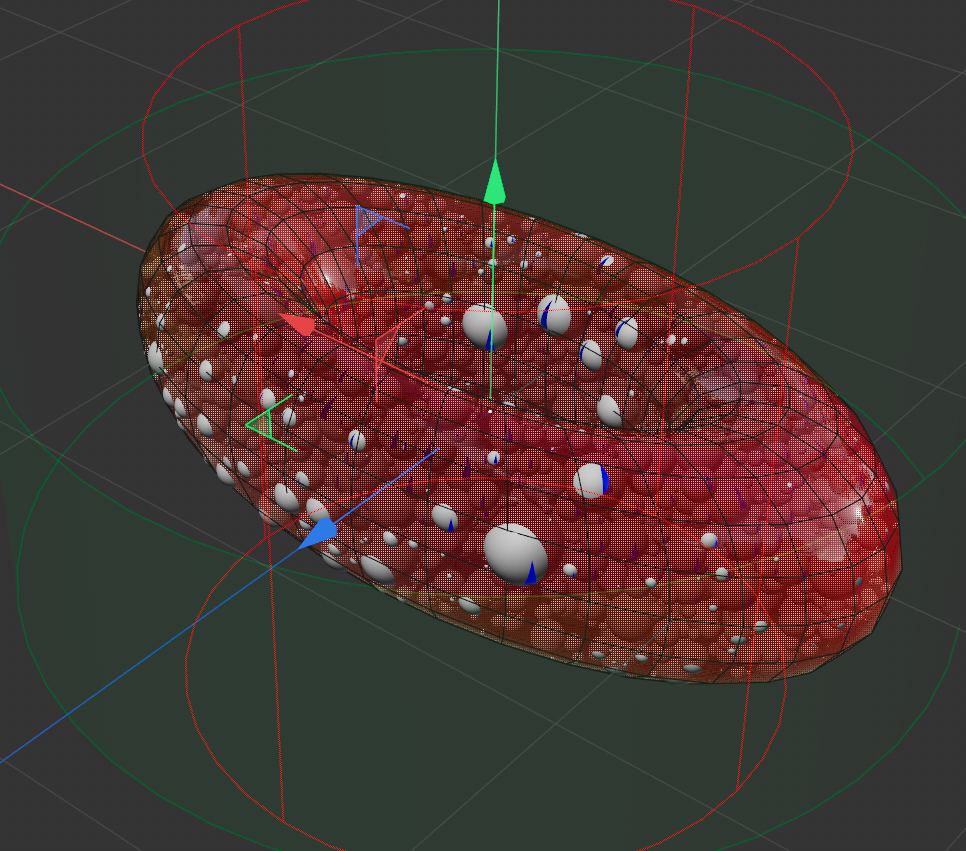
float distance = distanceQuery.GetClosestMeshPrimitive(p, info).Suppose the user have scaled the polygon mesh using the scale values under the attributes/coordinates. How will this be reflected as a result of the returned distance (assuming the point in the point mesh is first converted to global coordinates and then to local coordinates in the polygon node) like your example above? I see an issue here in my tests where the distance returned is unaffected by the scaling. Either I have done something wrong or the distanceQuery is done on the non "deformed/scaled" mesh.
The point generator in this case is not transformed or deformed in any way.

-
First of all, you should open new topics for new questions, as one otherwise tends to derail old topics, which makes it hard to for others to follow things later. I forked your topic.
And I also do not quite understand what your question is.
GetClosestMeshPrimitivereturns you the primitive type viaprimInfo.When you only want to get the closest point on a mesh, I would build a KD-Tree for its vertices. You then get the closest vertex and its index for your point
p. Then you orthogonally projectponto the polygons attached to that vertex (viacinema:: Neighbor). Then you chose the closest point. We have this Python example for KDTree and I also used Neighbor there. Building a KD-tree or just brute forcing it depends a bit on how often you want to do it. For just a handful of points, brute forcing it is usually faster.I am sure you can also do this with
DistanceQueryInterfaceand the uvw coordinate returned in the PrimitiveInformation, but all that extra work where you have to deal with all the primitive types seems like more work than it is worth. And when you want to do this in a generator (by the looks of your screens), using a manual KDTree approach will make it easier to parallelize it effectively and make it go zoom zoom instead of computing all that extra data.Cheers,
Ferdinand