• Identify when scene is rendering (Redshift)

    python
    6
    0 Votes
    6 Posts
    1k Views
    rsodreR
    @wen I was trying to do the same the past days. I could'nt figure out how to detect if Redshift IPR is enabled, but I found some relevant RS Ids. The 1038666 command opens the IPR window, but as far as I know there's no way to get the dialog instance to call IsOpen() The 1036752 CoreMessage is sent during IPR renders, but without any additional parameters (PAR1/PAR2). Not sure if there's something else we can extract from that message. What I ended up doing is adding a bool to my plugin to enable IPR features, but would be good to enable automatically.
  • Custom Tokens with Team Render Server

    6
    1 Votes
    6 Posts
    2k Views
    M
    @fwilleke80 Yes or the RenderData but that means the data needs to be there before the token evaluation which is done before any scene execution render wise. Cheers, Maxime
  • COLOR Constants Guide & Documentation Error

    python r21
    2
    1
    2 Votes
    2 Posts
    318 Views
    ManuelM
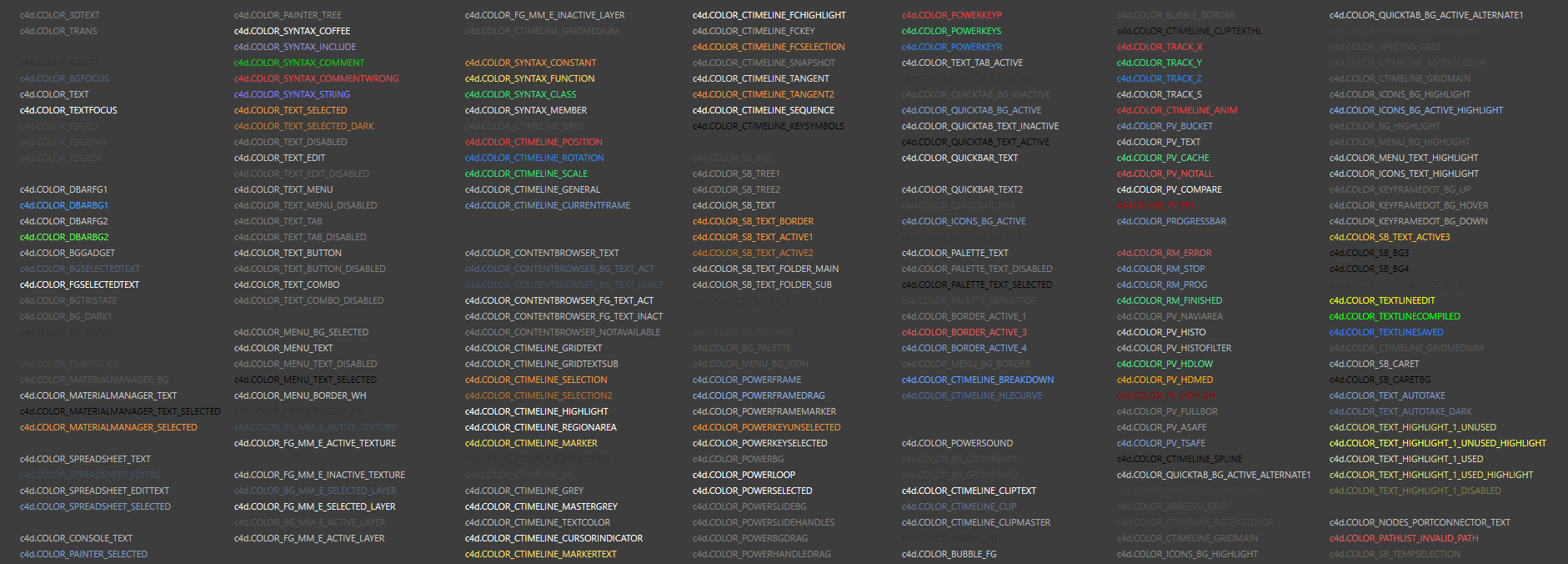
    Hello, thanks for sharing this with the everybody. COLOR_TIMELINE is now EX_COLOR_TIMELINE the documentation will be updated to reflect that change. Cheers, Manuel
  • Generator GetDimension() not called

    r21 c++
    9
    0 Votes
    9 Posts
    1k Views
    rsodreR
    @r_gigante ok thanks! I managed a workaround by filling my dummy spline with two zero length segments at the claculated bounding box limits.
  • Deleting/clearing PluginInfo

    c++
    3
    0 Votes
    3 Posts
    405 Views
    fwilleke80F
    Super, thank you!!
  • Different behaviour with Resource File? R20/R21

    5
    0 Votes
    5 Posts
    1k Views
    M
    BitmapButtonCustomGui.SetImage was just extended in R21 to support c4d.IconData as well, but the behavior didn't changed. I guess the issue is more related to R21 What is News - Fixes Fixed a memory leak in bitmaps.InitResourceBitmap(). So basically previously c4d.bitmaps.InitResourceBitmap produced a memory leak where the allocated BaseBitmap was never released, so that's why previously without copying it, it was working. But you should pass True to copyBmp to copy the BaseBitmap now since the BaseBitmap will be released at the destruction of icon variable by the Python Garbage Collection, but if you don't copy it, the BitmapButtonCustomGui will still use the previous BaseBitmap pointer, which will produce a crash since it will be dead. Glad you found the issue. Cheers, Maxime.
  • AddButton "Pressed" in GeDialog

    5
    0 Votes
    5 Posts
    836 Views
    RenatoTR
    HI R. I already used the BitmapButtonCustomGui for my dialog. Just i got some Gui corruption problems so I tried to switch to standard button... but the corruption of gui was not caused by it. Thanks for your answer. Renato T.
  • Applying a Target Expression tag to a child object of GVO

    c++ sdk
    10
    0 Votes
    10 Posts
    2k Views
    mfersaouiM
    @m_magalhaes Hello, Thank you so much.
  • HashMap operator = cannot access private member

    r19 c++
    5
    0 Votes
    5 Posts
    691 Views
    C4DSC
    @r_gigante Maybe a little late, but thanks for the info anyway. Always useful, and much appreciated! I went with a custom implementation using a BaseArray to store the information, and from there used the specific index in the array as the value in an HashMap Instead of the wanted: maxon::HashMap<Int32, DataStruct> mymap; I went with: class MyHashMap { ... maxon::BaseArray<DataStruct> mArray; maxon::HashMap<Int32, Int32> mArrayIndexMap; }; This is more or less what you have described. The only drawback here is that I still haven't found out how to implement range-based loop support ... but I went with using the old-fashioned indexed loop usage. Good enough for its purpose.
  • How to set completely custom render output filename?

    python
    6
    0 Votes
    6 Posts
    2k Views
    r_giganteR
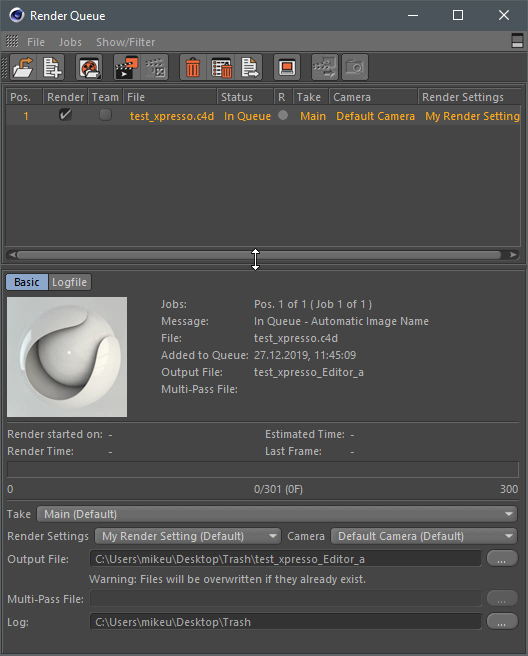
    @jcooper said in How to set completely custom render output filename?: How do I control how much zero-padding is used for the $frame token? We typically use 4-digit, zero-padded frame tokens, but what if a situation called for, say, 6 digits? Hi John, with regard to the $frametoken the zero-padding is hardcoded but as stated by @zipit you can workaround it by registering your token (see here) . How do I get at the RenderData for a specific renderer such as Redshift? For instance, it has its own "filename" attribute, but I don't know how to access/modify it from the python API. You need to retrieve the RedShift BaseVideoPost and retrieve the corresponding data from its BaseContainer. Check the code below # Get the active RenderData renderData = doc.GetActiveRenderData() if renderData is None: raise RuntimeError("Failed to retrieve the render data.") # Get the active render settings renderSettings = renderData.GetData() if renderSettings is None: raise RuntimeError("Failed to retrieve the render settings.") # Get the first video post videopost = renderData.GetFirstVideoPost() if videopost is None: raise RuntimeError("Failed to retrieve the videopost associated with the render data.") # Search for the RedShift videopost while videopost is not None and videopost.GetType() != 1036219: print "RedShift is not set as renderer in the active RenderData, check next" videopost = videopost.GetNext() rsAOV = None # Retrieve the AOV -> Filname param value if videopost is not None and videopost.GetType() == 1036219: rsAOV = videopost[c4d.REDSHIFT_RENDERER_AOV_PATH] # Reads the path stored in the render setting path = renderSettings[c4d.RDATA_PATH] # Add token to the path path = path + rsAOV # Tokenizes the path from the render engine rpd = {'_doc': doc, '_rData': renderData, '_rBc': renderSettings, '_frame': 1} exclude = [] finalFilename = c4d.modules.tokensystem.FilenameConvertTokensFilter(path, rpd, exclude)+".png" print finalFilename
  • How to properly use OpenSSL for local validation

    c++ r21
    5
    0 Votes
    5 Posts
    945 Views
    S
    Just FYI: you find that information regarding ./res/libs/win64 in the documentation: Development for Microsoft Window
  • Rebuild a scene with Python

    9
    0 Votes
    9 Posts
    2k Views
    M
    Hey, I understand your frustration unfortunately here Python is not to blame but Cinema 4D API in general since Python is only a subset of the C++ API and you have the same limitation (in your case) in C++. But yes we try to improve. Cheers, Maxime.
  • OBJ loading polygon order

    c++ r20
    9
    0 Votes
    9 Posts
    2k Views
    kbarK
    It could be. I never got around to investigating it any further. But if/when I do I will have a look at that flag for sure. Since in my tests there was definitely something going on with the polygon indices. Thanks for investigating this further and also for reporting your findings. Really helpful.
  • Xpresso Python Node . "Code" field

    8
    1
    0 Votes
    8 Posts
    2k Views
    esanE
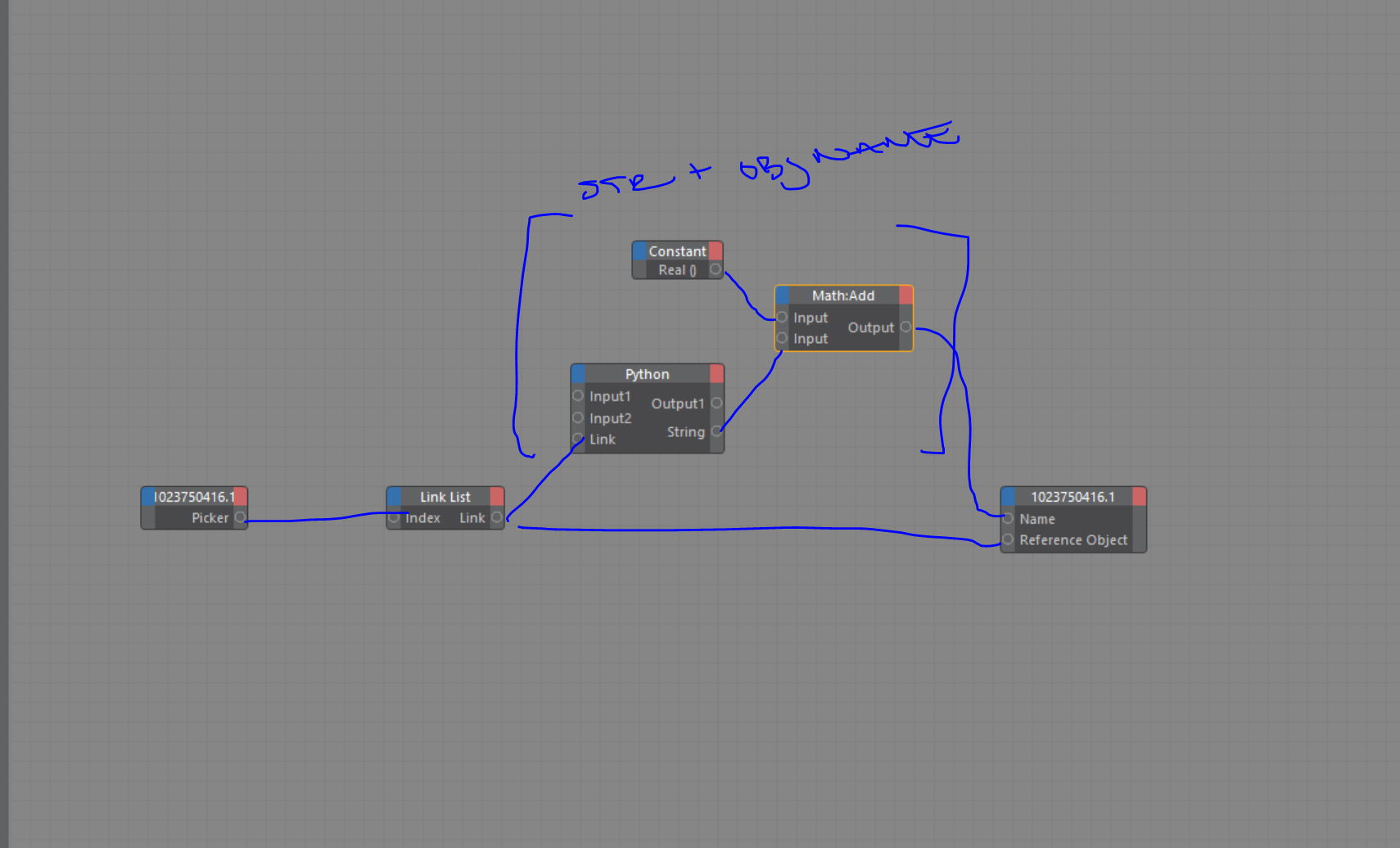
    @Cairyn Ah youre right, the Return was the cause of the errors, not the triple quotes. Got it all working now! (after taking a few tries to get the "indents" with the strings right) Thanks a ton!
  • OperatorSetData for "Lists"?

    python r20
    5
    0 Votes
    5 Posts
    902 Views
    r_giganteR
    @esan said in OperatorSetData for "Lists"?: Another quick question. is there still a bug on c4d.GV_OBJECT_OPERATOR_OBJECT_OUT? Yes it's still there and being R20 maintenance ended it's likely to remain. Best, R
  • Unexpected Margin/Padding on AddCustomGui

    r21 python
    12
    0 Votes
    12 Posts
    1k Views
    B
    You are right. self.width = c4d.gui.SizePix(w) self.height = c4d.gui.SizePix(h) self.color = color wasn't actually used. Will close this thread now and crawl to my little cave of shame. lol
  • How to create splitted dialog window

    5
    1
    0 Votes
    5 Posts
    730 Views
    mikeudinM
    @m_adam said in How to create splitted dialog window: But in any case, here it's how it works. Thank you very much, Maxime! Great example!
  • Creating Keyframes with AutoKey

    python sdk
    4
    0 Votes
    4 Posts
    1k Views
    M
    Hi @blastframe this is also the behavior of AutoKey in the Editor, so I would say is not an API issue. But you can use BaseDocument.Record to simulate the click of AddKeyFrame (but of course correct parameter have to be checked). Cheers, Maxime.
  • Create BaseBitmap() from Text?

    r21 python
    5
    0 Votes
    5 Posts
    538 Views
    B
    @m_adam Thanks for the response. For some reason, the return value is not accepted by the SetFont. It does not error out. It just uses the default font. In addition, how were you able to determine that the [508] is for the font name? I can't seem to see such reference in the documentation. You can check the working code here: import c4d from c4d import gui # Welcome to the world of Python def GetSegoeUiBoldFont(): bcFonts = c4d.bitmaps.GeClipMap.EnumerateFonts(c4d.GE_CM_FONTSORT_HIERARCHICAL) for familyId, familyBc in bcFonts: for fontDescriptionId, fontDescription in familyBc: if fontDescription[508] == "SegoeUI-Bold": return fontDescription print fontDescription def main(): w = 50 h = 50 image_with_text = c4d.bitmaps.GeClipMap() image_with_text.Init(w=w,h=h,bits=32) image_with_text.BeginDraw() image_with_text.SetColor(125,255,255) image_with_text.FillRect(x1=0,y1=0,x2=50,y2=50) image_with_text.SetColor(0,0,0) font_bc = GetSegoeUiBoldFont() print font_bc font_size = 15 image_with_text.SetFont(font_bc,font_size) image_with_text.TextAt(x=10,y=15,txt='head') image_with_text.EndDraw() bmp = image_with_text.GetBitmap() c4d.bitmaps.ShowBitmap(bmp) # Execute main() if __name__=='__main__': main()

  • Dialog generates EVMSG_CHANGE messages

    4
    0 Votes
    4 Posts
    643 Views
    P
    I found the problem this is not the issue.