Example mod_subtool_export
Demonstrates how to batch export all sub-tools in a ZBrush file to OBJ format.
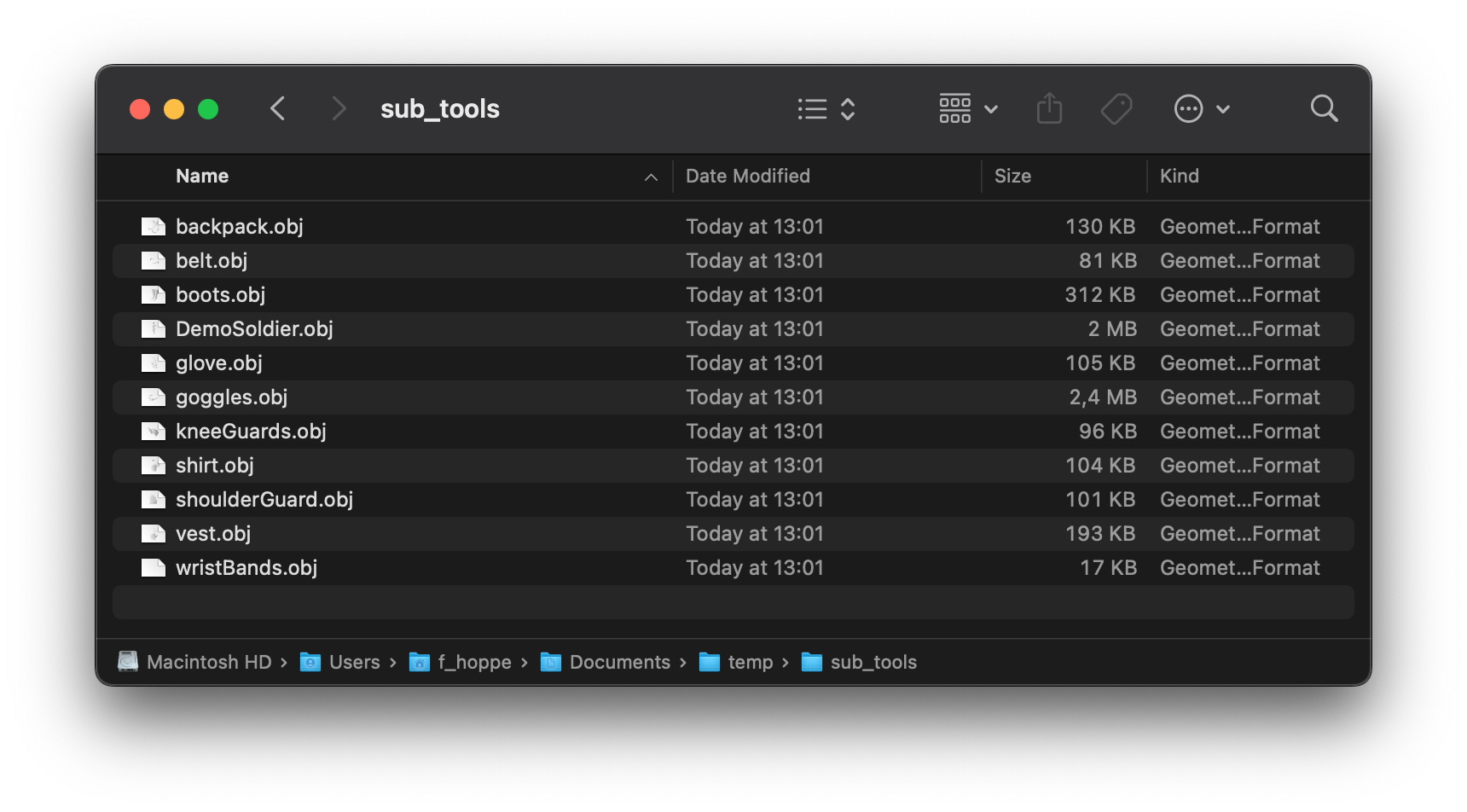
Fig. I: A possible outcome of the example.
Code
"""Demonstrates how to batch export all sub-tools in a ZBrush file to OBJ format.

This script is meant to be used with as a command line argument of ZBrush. Its invocation
syntax is:

    $ZBRUSH_BIN -script <path_to_this_script> <path_to_output_dir> <path_to_zbrush_file_to_load>

For example:

    "/Applications/Maxon ZBrush 2026.1/ZBrush.app/Contents/MacOS/ZBrush" \
        -script \ "/Users/alice/Downloads/zbrush-sdk/examples/modeling/ex_mod_subtool_export.py" \
        "/Users/alice/Documents/temp/sub_tools" \
        "/Applications/Maxon ZBrush 2026.1/Lightbox/Projects/DemoSoldier.ZPR"
"""
__author__ = "Javier Edo"
__date__ = "21/08/2025"
__copyright__ = "Maxon Computer"

import os
import sys
import zbrush.commands as zbc

def export_subtools(export_directory=""):
    if not os.path.isdir(export_directory):
        print(f"Invalid export directory specified: {export_directory}")
        return False

    # Get the number of SubTools in the current tool
    subtool_count = zbc.get_subtool_count()
    if subtool_count == 0:
        print("No SubTools found to export.")
        return False

    exported_files = 0
    # Loop through all SubTools
    for i in range(subtool_count):
        # Set the active SubTool
        zbc.select_subtool(i)

        # Check if the SubTool is visible (status flag 0x01 means visible)
        status = zbc.get_subtool_status()
        if status & 0x01:
            # Get the full path of the active tool, which includes the SubTool name
            full_tool_path = zbc.get_active_tool_path()
            subtool_name = full_tool_path.rsplit('/')[-1] # Extract name after the last slash

            # Create the final output path for the OBJ file
            output_path = os.path.join(export_directory, f"{subtool_name}.obj")

            # Set this as the next file name for ZBrush's exporter
            zbc.set_next_filename(output_path)

            # Press the "Export" button in the Tool palette
            zbc.press("Tool:Export")
            print(f"Exported SubTool '{subtool_name}' to {output_path}")
            exported_files += 1

    return exported_files


def export_subtools_with_ui(export_directory=""):
    if not os.path.isdir(export_directory):
        save_path = zbc.ask_filename("*.obj", "Select a folder and enter a dummy file name",
                                     "Choose Export Directory")
        if not save_path:
            zbc.message_ok("Export cancelled by user.")
            return False
        export_directory = os.path.dirname(save_path)

    exported_files = export_subtools(export_directory)
    if exported_files > 0:
        zbc.message_ok(f"Export complete! {exported_files} SubTools were saved to:\n{export_directory}")
    else:
        zbc.message_ok("No SubTools were exported.")


if __name__ == '__main__':
    if "-script" not in sys.argv or (sys.argv.index("-script") + 1)>= len(sys.argv):
        print("This script requires the -script flag followed by the args to the script.")
        sys.exit(1)

    # args to actual script (put after the -script "/path/to/script.py" args)
    script_args = sys.argv[sys.argv.index("-script") + 2:]
    export_directory = script_args[0] if script_args else ""

    ret_code = not export_subtools(export_directory)
    sys.exit(ret_code)