• GlProgramFactory not documented

    Cinema 4D SDK c++ r20 sdk
    3
    0 Votes
    3 Posts
    795 Views
    a_blockA
    Hi Frank, actually I think, all the examples on GLProgramFactory have been there for quite I while. I just checked and they were already available in Cinema 4D R13, maybe even earlier (there are actually quite a few, see GitHub). Unfortunately that is all we have on this topic, chances are pretty bad, we can shed any additional light on this topic. I turned this thread into a question. Cheers, Andreas
  • Linking something to a handle

    Cinema 4D SDK python r20
    9
    0 Votes
    9 Posts
    2k Views
    a_blockA
    Nice, congrats I have to admit, I forgot to turn this thread into a question. I did so now and I also marked it as solved, as your last post seems to imply. Cheers, Andreas
  • string format

    Moved Cinema 4D SDK
    4
    0 Votes
    4 Posts
    1k Views
    M
    Hi @Jvos, First of all, (no worry at all) I would like to remind you to read How to Post Questions especially the part about categories. Since your topic is related to Cinema 4D please next time create a topic within cinema 4d development. (I've moved it). Regarding your issue, pretty much all parameters in Cinema 4D are stored in a BaseContainer. A BaseContainer is a dictionary which links an ID (Int) to a Data. When you are doing Object[Something] you access the value within this BaseContainer. If you write in the console c4d.REDSHIFT_LIGHT_PHYSICAL_INTENSITY, it will print you the ID of this parameter. Then to get the value of a parameter which is stored in the object's BaseContainer, you don't have to pass a string, but the ID, which is registered with a SYMBOL NAME because it's easier to remember than an arbitrary number (In some case there is no SYMBOL equivalent for an ID). So as @mikeudin suggested the eval function is the right way to go, or you can directly store the ID in your list. attributes = [c4d.REDSHIFT_LIGHT_PHYSICAL_INTENSITY, c4d.REDSHIFT_LIGHT_PHYSICAL_EXPOSURE] Finally, there is no official C4D slack/discord or chat. Cheers, Maxime.

  • Rotate selected polygons

    Cinema 4D SDK r20 python windows
    3
    0 Votes
    3 Posts
    856 Views
    P
    Hi Andreas, Ok, so I have to rotate the points to rotate a polygon. I thought so. That is why I assumed that when I can rotate points, I can rotate polygons. Thanks. Regards, Pim
  • Invert normals only for selected polygons

    Cinema 4D SDK r20 python
    4
    1
    0 Votes
    4 Posts
    3k Views
    J
    Thank you for the kind help! @m_adam: The plug-in you have linked is very useful. I could fix some problems with the "Select polygons by normal direction" function. Working with badly constructed meshes is no fun job either way. Kind regards, Julien.
  • Re-build plugin for R20 - missing file "delegate.h"

    Cinema 4D SDK
    6
    0 Votes
    6 Posts
    2k Views
    r_giganteR
    Hi Steve, having the USE_MAXON_API being defined - actually using C4D=true in projectdefinition.txt - is required in order to be sure that all the cinema.framework classes are properly compiled. Although there could be situations where some cinema.framework classes can work without that define, we highly discourage this approach since you can end up in situations where the code compiles until you include that specific class which indeed needs that define (which it's already happening in that case). If specifying C4D=true actually brings too much pain, please open a new thread and let's proactively discuss the issues your code is facing and let's get rid of them. Best, Riccardo
  • Setting texture paths with plugin on startup

    Cinema 4D SDK r20 python
    9
    0 Votes
    9 Posts
    3k Views
    B
    Omg! I had an old version of the plugin defined in the Plugins list in prefs that set the paths to []. Blush Deluxe! Sorry for wasting your time. Works perfectly fine. Regards Bonsak
  • SetPixel() for 32 bit float images

    Cinema 4D SDK python r20 sdk
    3
    0 Votes
    3 Posts
    1k Views
    O
    Thanks so much this is exactly what I was looking for.
  • Send BaseBitmap to another plugin

    Cinema 4D SDK c++ r20
    5
    0 Votes
    5 Posts
    1k Views
    P
    Thank you very much for your support !
  • Get userdata Button state on object in Python tag

    Cinema 4D SDK python r20
    7
    0 Votes
    7 Posts
    3k Views
    B
    Ah! So event_data['msg_data']['id'] is the id of the userdata. Didnt read your code comments Thanks alot! Regards Bonsak
  • 1 Votes
    5 Posts
    2k Views
    bnsB
    @m_adam thanks for R23.110 C4DPYTHONPATH37 !
  • 0 Votes
    3 Posts
    924 Views
    B
    Awesome! Thanks. Regards Bonsak
  • No fbx exporter in python library?

    Cinema 4D SDK r20 python
    2
    0 Votes
    2 Posts
    1k Views
    Y
    Hi Rage, Unfortunately several importers and exporters do not have a constant for their ID. This is the case for FBX. The ID for the FBX exporter is 1026370. To find the ID of a specific exporter you can use the following code: import c4d saverPlugs = c4d.plugins.FilterPluginList(c4d.PLUGINTYPE_SCENESAVER, True) for plug in saverPlugs: print('{} : {}'.format(plug.GetName(), plug.GetID())) I turned the topic into a Q&A. Please remind to use this feature of the forum.
  • Tell the HTML Viewer to ignore javascript

    Cinema 4D SDK c++ r20 windows
    5
    0 Votes
    5 Posts
    2k Views
    kbarK
    One last note. I just tried this on OSX and it works fine. So it is just an issue for Windows machines and whatever version of IE the widget is using.
  • Move/Copy Constructors documentation

    Cinema 4D SDK r19 r20 c++
    2
    1 Votes
    2 Posts
    798 Views
    a_blockA
    Hi, in general your approach looks correct to us. Somehow I'm starting to regret we have a thoughtful and attentive community here. We can not hide a single change/omission in the docs without any one of you finding out about it... sigh! Yes, indeed the "Move/Copy Constructors" manual has been removed from the R20 docs, as it needed thorough review and at least partly rewriting we did not find the time for, yet. But it wasn't removed without at least partial replacement. Especially for your case the BaseArray manual contains a section on implementing classes for use with BaseArray. Thanks for the idea of a "documentation issue" tag. Cheers, Andreas
  • ParseTupleAndKeywords in R20

    Cinema 4D SDK c++ r20 python
    5
    0 Votes
    5 Posts
    2k Views
    V
    @y_puech said in ParseTupleAndKeywords in R20: Hi Victor, There's a logic error in the code you posted from the first post. The condition for R20 if (str.IsEmpty()!=false) returns false if the string has content. It makes more sense to call IsPopulated() for the R20 code instead of IsEmpty(). You are right, thank you!!!
  • 0 Votes
    3 Posts
    964 Views
    X
    @a_block No inconvenience at all, just happy to hear it's not only me!
  • Dependence Cache flag

    Cinema 4D SDK c++ r19 r20
    3
    0 Votes
    3 Posts
    827 Views
    rsodreR
    Hey @a_block , I finally got some time to try again, and I actually had two problems First, I'm adding that object as a dependent because one of my modifiers need it, and it was sending a Join modeling command to read it as a single polygon. The command was invalidating the cache, entering a loop. Now I first clone it before join, and the cache flag remains intact. Just looking at the CACHE dirty count of the object was not enough to detect if the deform cache was dirty, I need to look at it's cache dirty cache count. Sounds weird but works, and makes sense to me. if ( distributionObject != nullptr ) { // Check deformed cache auto distributionObjectCache = distributionObject->GetCache( hh ); if ( distributionObjectCache != nullptr ) { auto dirtyCount = distributionObjectCache->GetDirty( DIRTYFLAGS_CACHE ); if ( distributionObjectDirtyCount_ != dirtyCount ) { dirty = true; distributionObjectDirtyCount_ = dirtyCount; } } } op->AddDependence( hh, distributionObject, DIRTYFLAGS_DATA | DIRTYFLAGS_CACHE ); }
  • resource errors with SPLINE in R20

    Cinema 4D SDK python r20
    4
    1
    0 Votes
    4 Posts
    1k Views
    Y
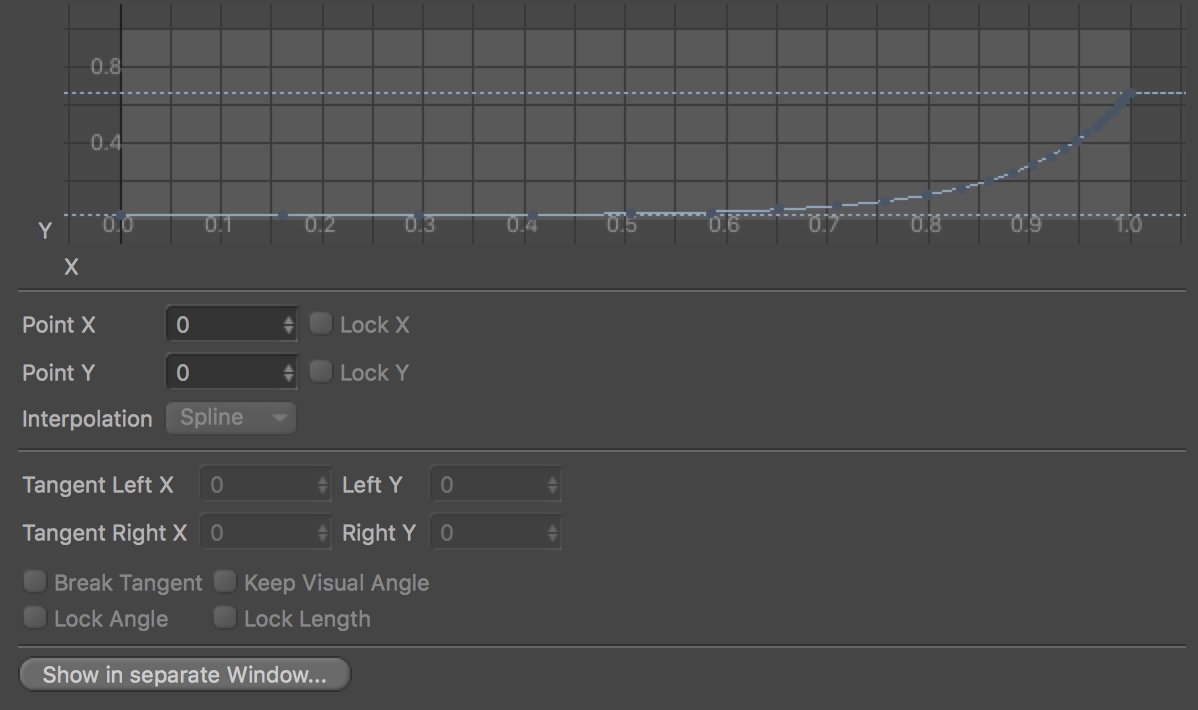
    Hi, Are you using the Spline GUI inside a dialog? It looks like so if there's no arrow. If that's the case you can call SetLayoutMode(c4d.LAYOUTMODE_MINIMIZED) on the Spline custom GUI to change its layout to the minimized/spline element only.
  • Print console logs in terminal

    Moved Cinema 4D SDK python r20
    5
    0 Votes
    5 Posts
    2k Views
    Y
    Hi, As I turned this discussion into a Q&A topic, if you're satisfied with my last post's solution then you can mark it as the correct answer or mark the topic as solved. For more information see Q&A New Functionality.