• Multiple animation import

    Cinema 4D SDK python r20 r21
    9
    2
    0 Votes
    9 Posts
    3k Views
    S
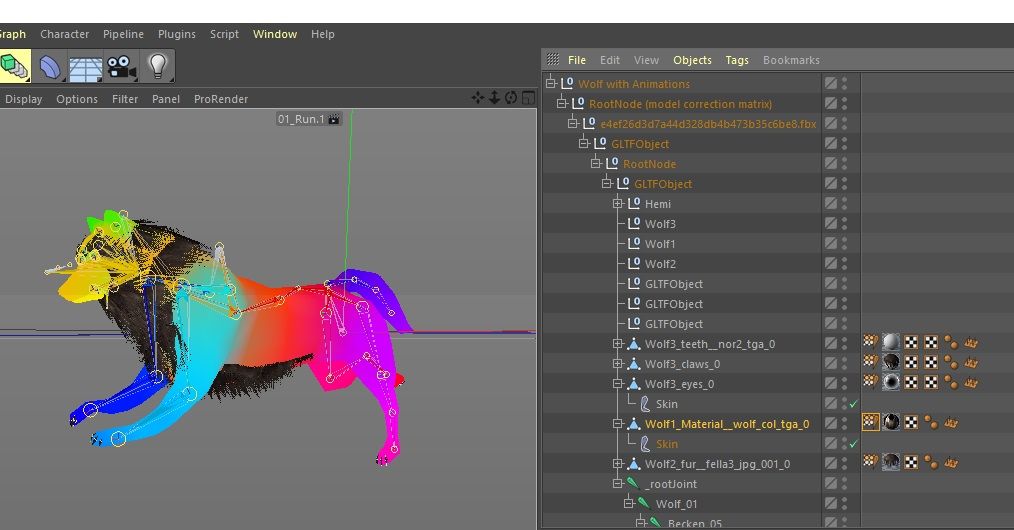
    @kbar @m_adam Thanks for the help lads, the markers were already added thanks to Kent suggestion in his previous reply. Now the only things left are a little "GlTF-fighting", and some more polishing, packaging and testing before updating the plugin with a - hopefully - nice animation support ! I'll let you know when that's done (probably not before 2020 though ). Cheers, Loïc
  • 0 Votes
    13 Posts
    2k Views
    indexofrefractionI
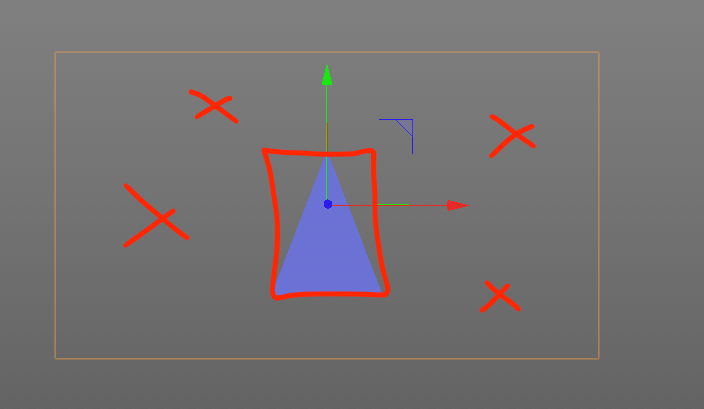
    ah... ok, now i understand the picture ! thanks, manuel I marked the thread as solved
  • Python Question

    Moved Cinema 4D SDK
    2
    0 Votes
    2 Posts
    477 Views
    M
    Hi @turrican welcome in the plugincafe community. I moved your topic in the correct category and assigned tags, see (How to Post Questions) Please do it for your next topics. Regarding your question, yes it's possible to do it in python. however, I suggest you contact maxon support to report the initial bug regarding the FBX importer. Now you have to keep in mind here we don't code for you but help you to achieve what you want. So the steps in python for doing it are: Loops over each material. Retrieves their name. Create a Bitmap Shader and assign it to the correct channel of the material (normal). To loop over each material, keep in mind that material in Cinema 4D is BaseMaterial which is a child class of GeListNode so to loop over all material use # Retrieve the first material of the current document mat = c4d.documents.GetActiveDocument().GetFirstMaterial() # loop over each material while mat is not None: # Do the things for each mat mat = mat.GetNext() To create a bitmap shader (c4d.Xbitmap) and assign a texture to it find an example in shader_create_bitmap_r13.py. To know the ID of the normal channel, just drop and drop it into the console, see Python Console - Drag and Drop. Cheers, Maxime.
  • Set Use As Render View

    Cinema 4D SDK python
    3
    0 Votes
    3 Posts
    943 Views
    U
    Thank you Manuel, that works perfectly. I can use CallCommand() but I don't want to as it will always call c4d.EventAdd() and as I can't specify which bd to set as the renderview. I tend to not use CallCommand() in a plugin as it is only be able to be called in the main thread (which would be fine in this case) and as it seems to 'simulate' user interaction.
  • HUD on OpenGl previews

    General Talk python
    10
    0 Votes
    10 Posts
    2k Views
    A
    @m_adam Ah OK great will test it and get back to you, Thanks sir.
  • Adding points to a spline

    Cinema 4D SDK python
    3
    0 Votes
    3 Posts
    943 Views
    ManuelM
    hello, without information from your part, i'll consider this thread as solved and change its states Cheers, Manuel
  • 0 Votes
    9 Posts
    2k Views
    B
    @m_adam Thanks for confirmation. Will close this thead now. Looking forward to the documentation
  • Attach XPresso Graph to GUI via Python

    Cinema 4D SDK
    9
    1
    0 Votes
    9 Posts
    2k Views
    DunhouD
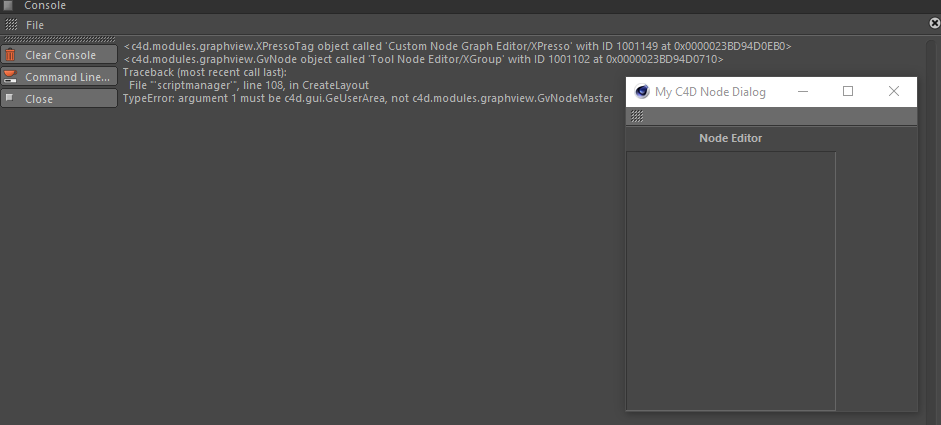
    @ashton_fcs_plugindev That is so cool , Is it finish yet? I am new to GeUserArea too , That's a dreamly example to learn GeUserArea.
  • Get CustomGUI Data in python

    Cinema 4D SDK python c++ r20 sdk
    9
    0 Votes
    9 Posts
    2k Views
    N
    Hello Sebastian, I now understand what the difference is, thank you very much! With the customdata_customgui example file I actually made both a GUI and a custom DataType. So I only needed to change my resource file and modifiy my data code a bit! Best Regards, Florian
  • 0 Votes
    9 Posts
    2k Views
    S
    @m_magalhaes Hello, thank you very much for your inspiration. You've been very helpful. There is no need to overwrite TranslateDescID(), only two macros HandleDescGetVector and HandleDescSetVector can realize my idea. Thanks again! Cheers, Sean
  • Trim a bitmap

    Moved Cinema 4D SDK
    5
    1
    0 Votes
    5 Posts
    1k Views
    G
    Thank you, @s_bach I have enough here to figure out what I need to do. Cheers!
  • 0 Votes
    3 Posts
    918 Views
    M
    Hi @orestiskon SendModelingCommand and especially CurrentStateToObject need the object to be actually in the passed document. So you need to create a temporary doc and use it to operates. As bellow: import c4d def currentState(obj) : return c4d.utils.SendModelingCommand(c4d.MCOMMAND_CURRENTSTATETOOBJECT,[obj],c4d.MODELINGCOMMANDMODE_ALL,c4d.BaseContainer(),obj.GetDocument())[0] def main(): # Retrieve the python generator obj = op.GetDown() if obj is None: return objClone = obj.GetClone() if objClone is None: raise RuntimeError("Failed to clone the object") # Make the children Python Generator disapear obj.Touch() # Creates a temporary document that will be used to evaluate the cache of the object tempDoc = c4d.documents.BaseDocument() if tempDoc is None: raise RuntimeError("Failed to create a temporary doc") # Inserts the child python generator that exists only in memory into our tempo doc tempDoc.InsertObject(objClone) returnedObj = currentState(objClone) return currentState(objClone) Cheers, Maxime.
  • UserData Insert New Data

    Moved Cinema 4D SDK
    4
    1
    0 Votes
    4 Posts
    798 Views
    G
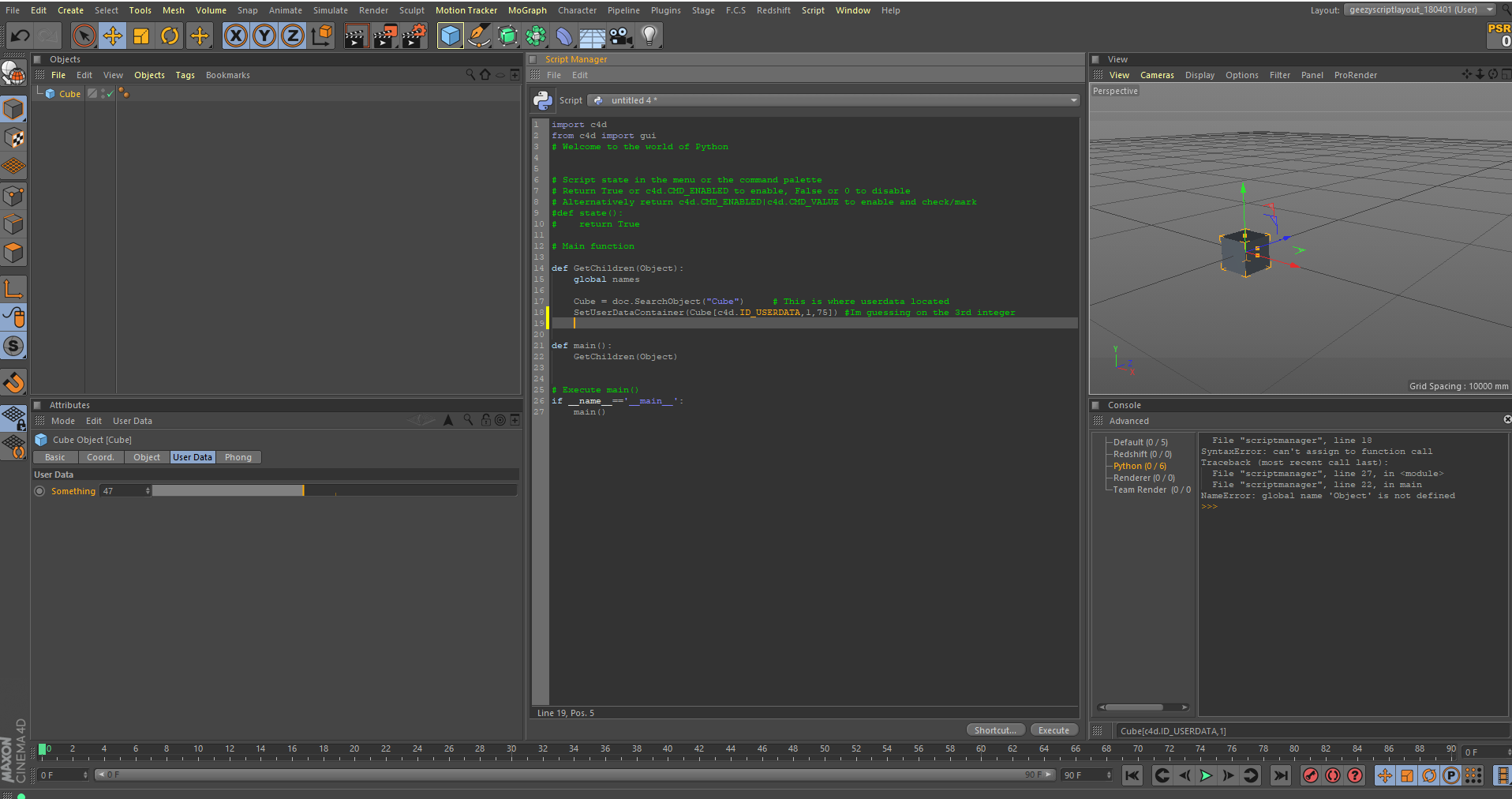
    Hey Guys! I think I figured it out! Will resoond if there's any questions! Cheers! MattG
  • Python Generator associated with User Data?

    Moved Cinema 4D SDK python
    4
    0 Votes
    4 Posts
    1k Views
    M
    Thanks for the great suggestions! I just discovered I can also use "File | Save Object Preset" and "File | Load Object Preset" in the Attribute Manager.
  • 0 Votes
    6 Posts
    2k Views
    ferdinandF
    I did that for the same reason @m_adam created a copy in his version: A node can only be member of one document at a time and also only be inserted exactly one time into the same document (long way of saying that Cinema is monohierachical). Cheers zipit
  • Python script for texture baking

    Moved Cinema 4D SDK
    9
    0 Votes
    9 Posts
    2k Views
    M
    Hi @emlcpfx please open a new topic with your exact question and with an explanation about what you call "camera mapped textures". Cheers, Maxime.
  • FIELDLIST SIZE DON'T FIT IN UI

    Cinema 4D SDK python
    7
    1
    0 Votes
    7 Posts
    1k Views
    M
    While the bug is still there I set the topic as solved. I will bump the topic once the fix is in a release. Cheers, Maxime
  • TreeView: c4d.DRAGTYPE_FILES

    Cinema 4D SDK r20 python
    10
    0 Votes
    10 Posts
    2k Views
    M
    Hello Maxime, thanks for that detailed answer. Much appreciated. I see, drawing slows down things massively. (3minutes vs. a few seconds) Bad luck for me then. But it still helped me though, I'm now going for another approach. (The GUI part was just for convenience, so everything is fine) Thank you and cheers, Robert
  • Output all renderpaths

    Cinema 4D SDK r20 r21 windows python
    3
    1 Votes
    3 Posts
    719 Views
    B
    Thanks Maxime! In the mean time I will cycle through takes, AOVs and Frames manually to get the paths.
  • Automate Turbosquid uploading with Python script

    Moved General Talk r21 python jobs
    9
    0 Votes
    9 Posts
    3k Views
    CairynC
    @JasenLux said in Automate Turbosquid uploading with Python script: Even if in the morning I've got a bunch or renders done over night - and it's all automated - I'd be very happy. A more or less automated rendering could be achieved by using the native Render Queue if you create your files with some rigid discipline. Start out by creating a base C4D file that contains the necessary cameras and render settings with some appropriate naming. The render settings should be hierarchically ordered, with the basic setting on top and all the different resolutions as children of that setting, with only the necessary settings overwritten. If there are TurboSquid requirements that you cannot achieve with render settings, you can create some takes that offer the necessary changes (this might be the most difficult part, as you may need to overwrite parameters in tags that you don't have in the basic file, but only create with your project, but that very much depends on what you really need to change, I am not familiar with the TurboSquid requirements. Once that file is set up, you only need to copy your master data into that, save it under the appropriate name, and in the evening add it a few times to the render queue. As you can select the take, rendersetting, and camera for each job, the prepared file can be rendered out without saving multiple versions of it first. (That sounds like some script would make it easier, too, but I just fleetingly looked at the Python and C++ documents about BatchRender, and it doesn't look as if you can control the job settings individually?) I recognize that this would only be good for the rendering part, but... if TurboSquid doesn't offer an official, supported web interface for uploading, then as @zipit said, "hacking" into the protocols would be just one gigantic mess that you don't really want to spend money on as it is very likely to break at the first opportunity. Thanks for mentioning me