• Some attempts at nondestructive modeling

    Moved General Talk r21 python
    5
    1
    0 Votes
    5 Posts
    1k Views
    X
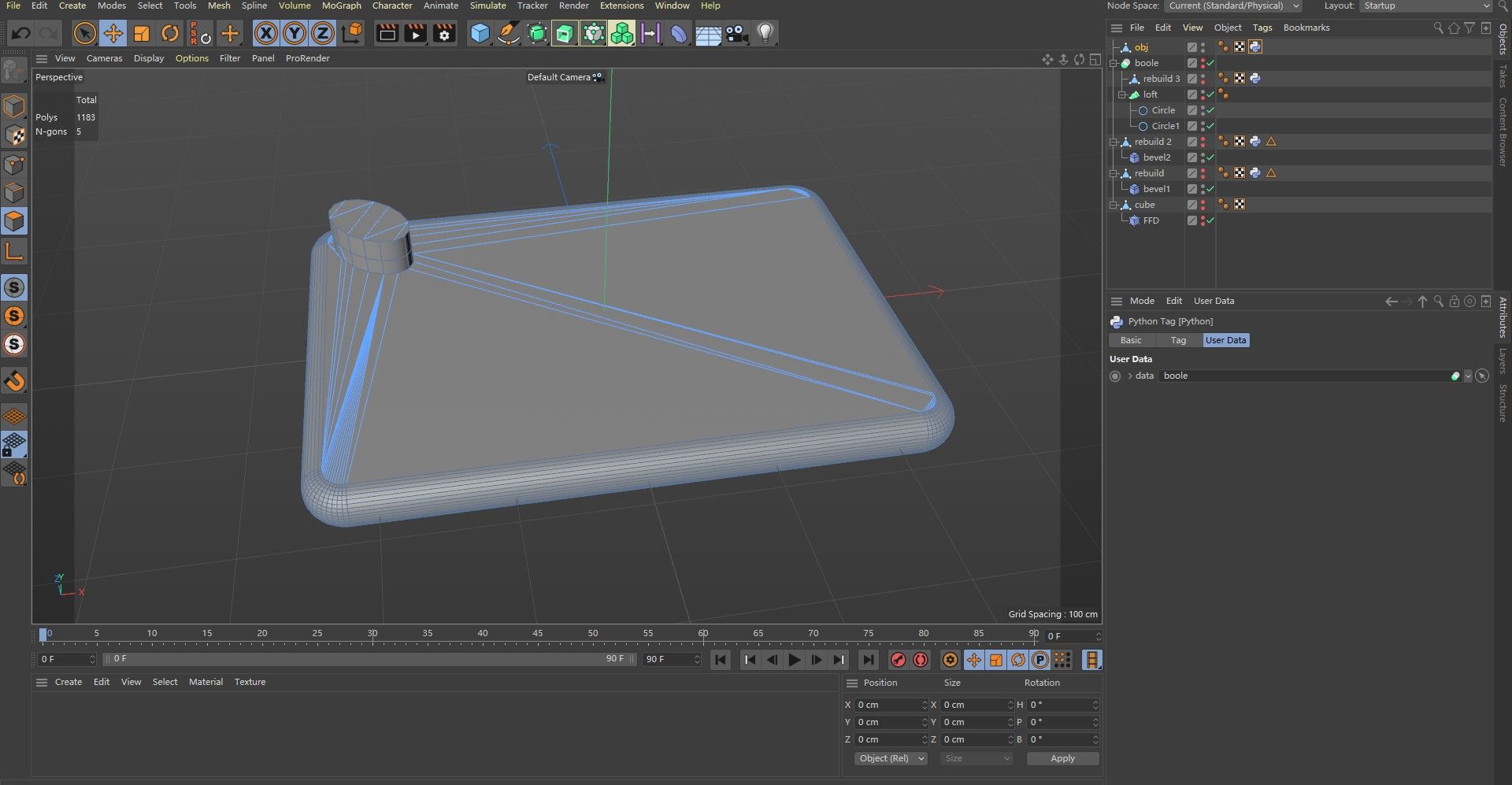
    Hi: After a trial run, the script was tested successfully. By setting the name suffix of Python Tag, the problem of repeated running of Tag can be solved. Taking c4d.DIRTYFLAGS_SELECT as an example, if the point, line, and surface selections change, it will execute, otherwise it won't. The Python script code is as follows: import c4d #e-mail: [email protected] def main(): Name = op.GetName() Objects = op.GetObject() Changed = Objects.GetDirty(c4d.DIRTYFLAGS_SELECT) Text = ["xit" + str(Changed)[-1]] if str(Name).count(Text[0][:-1]) != 0 : if str(Name).find(Text[0][:-1]) != str(Name).rfind(Text[0][:-1]) : if str(Name)[str(Name).rfind(Text[0][:-1]):] == Text[0] : if str(Name).find(Text[0][:-1]) <= 0: #Do not execute, exit the program. print ("Does not perform.") op.SetName(str(Text[0])) return else: #Do not execute, exit the program. op.SetName(str(Name)[:str(Name).find(Text[0][:-1])] + str(Text[0])) print ("Does not perform.") return else: if str(Name).find(Text[0][:-1]) <= 0: op.SetName(str(Text[0])) print ("Perform.") else: op.SetName(str(Name)[:str(Name).find(Text[0][:-1])] + str(Text[0])) print ("Perform.") else: if str(Name)[str(Name).rfind(Text[0][:-1]):] == Text[0] : #Do not execute, exit the program. print ("Does not perform.") return else: op.SetName(str(Name)[:str(Name).find(Text[0][:-1])] + str(Text[0])) print ("Perform.") else: print ("Perform.") op.SetName(str(Name) + str(Text[0])) print ("pass") #The next thing to execute.
  • Alembic Export Options Not Working

    Cinema 4D SDK python s22
    7
    0 Votes
    7 Posts
    2k Views
    BigRoyB
    Just want to confirm here that I'm facing this same issue - only setting the negative state first and then the positive state after seems to make this work. So, thanks for the workaround. Here's the reported bug on our pipeline: https://github.com/ynput/ayon-cinema4d/issues/6 And this is what fixed it: https://github.com/ynput/ayon-cinema4d/pull/8 Looking at 'what' fixes it this most definitely sounds like a bug. (I tested in Cinema4D 2023.2.2 on Windows 10)
  • Custom mouse icon, define touch point.

    Cinema 4D SDK
    4
    0 Votes
    4 Posts
    828 Views
    RenatoTR
    Anyway, i'll add my custom offset to the mouse coordinate to match the point from the center, as seem by default.
  • 0 Votes
    5 Posts
    1k Views
    E
    ok, my apologies. i guess my question is at what point to i check for dirty, and at what point do i insert the nulls?
  • 0 Votes
    6 Posts
    2k Views
    ferdinandF
    Hi, I am sorry, I hate it myself when people talk in acronyms, assuming everyone knows what they are referring to. PNG stands for Pseudo-random Number Generator. Here is an example for a simple trigonometric pseudo random hash function. Cheers, zipit """A simple example for a very simple "one-at-a-time" Pseudo-random Number Generator (PNG). It is basically just one line of code, which you can find on line 32. """ import c4d import math def hash_11(x, seed=1234, magic=(1234.4567, 98765.4321)): """Returns a pseudo random floating point hash for a floating point number. The hash will lie int the interval [-1, 1] and the function is a very simple generator that exploits the periodicity of the trigonometric functions. A more sophisticated approach would be to exploit avalanche behavior in bit-shift operations on binary data, like the Jenkins Rotation does for example. The postfix in the name (_11) is a common way to denote the inputs and outputs for PNGs. 11 means that it will take one (real) number and return one (real) number. 13 means that it takes one and returns three, i.e. returns an (euclidean) vector. Args: x (float): The value to hash into a pseudo random number. seed (int, optional): The seed value. This could also be a float. magic (tuple, optional): The magic numbers. The second one should be bigger then the first and both should be real numbers. Returns: float: The pseudo random hash for x in the interval [-1, 1]. """ return math.modf(math.sin(x + seed + magic[0]) * magic[1])[0] def hash_13(x, seed=1234, magic=(1234.4567, 98765.4321)): """Returns a pseudo random vector hash for a floating point number. Wraps around hash_11. Returns: c4d.Vector: The pseudo random hash for x in the interval [-1, 1]. """ vx = hash_11(x, seed, magic) vy = hash_11(x + vx, seed, magic) vz = hash_11(x + vy, seed, magic) return c4d.Vector(vx, vy, vz) def main(): """Entry point. """ # Some very crude statistics for the hashes. samples = int(1E6) # Generate 1E6 of each numbers = {i: hash_11(i) for i in range(samples)} vectors = {i: hash_13(i) for i in range(samples)} # Compute their arithmetic mean. amean_numbers = sum(numbers.values()) * (1./samples) amean_vectors = sum(vectors.values()) * (1./samples) # Report the results. print "First three random numbers: ", numbers.values()[:3] print "First three random vectors: ", vectors.values()[:3] msg = "Arithmetic mean of all random numbers (should converge to zero): " print msg, amean_numbers msg = "Arithmetic mean of all random vectors (should converge to zero): " print msg, amean_vectors if __name__ == "__main__": main() First three random numbers: [-0.8036933662078809, 0.20401213006516628, 0.6249060598929645] First three random vectors: [Vector(-0.804, -0.022, -0.872), Vector(0.204, 0.541, 0.115), Vector(0.625, 0.782, 0.896)] Arithmetic mean of all random numbers (should converge to zero): -0.000127638074863 Arithmetic mean of all random vectors (should converge to zero): Vector(0, 0, 0)
  • 0 Votes
    6 Posts
    2k Views
    ?
    I have been looking at my plugins and my biggest question so far is how to handle urllib2 in a way that will work with both Python 2.7 and 3.7.7. Everything else just seems to be adding parentheses to print functions. I found this Cheat Sheet: Writing Python 2-3 compatible code that suggests: # Python 2 and 3: easiest option from future.standard_library import install_aliases install_aliases() from urllib.parse import urlparse, urlencode from urllib.request import urlopen, Request from urllib.error import HTTPError However, trying that in Cinema 4D threw this error: ImportError: No module named future.standard_library Fortunately, there are some alternatives to try, like # Python 2 and 3: alternative 4 try: from urllib.parse import urlparse, urlencode from urllib.request import urlopen, Request from urllib.error import HTTPError except ImportError: from urlparse import urlparse from urllib import urlencode from urllib2 import urlopen, Request, HTTPError From that article: "urllib is the hardest module to use from Python 2/3 compatible code."
  • Mute Object Animation

    Cinema 4D SDK r21 python
    5
    0 Votes
    5 Posts
    484 Views
    B
    @zipit Gotcha. Thanks for the reminder
  • Max value of an EditNumberArrows in TagData

    Cinema 4D SDK s22 python
    3
    0 Votes
    3 Posts
    368 Views
    ?
    @m_adam Thanks, Maxime!
  • Best coding practices

    Cinema 4D SDK python
    3
    0 Votes
    3 Posts
    748 Views
    mfersaouiM
    @zipit Thank you much.
  • Mirroring with Matching or Different Axes

    Cinema 4D SDK s22 python
    26
    0 Votes
    26 Posts
    18k Views
    kbarK
    @zipit I also want to say that the amount of time you contribute here to help out developers is very generous of you. You are doing an amazing job. I would hope that Maxon would actually pay you some retainer fee for your time or at least provide you with a free subscription for all the help you have given everyone here.
  • Directory UI component ?

    Cinema 4D SDK
    2
    0 Votes
    2 Posts
    494 Views
    M
    Hi @nicholas_yue this can be done with the CUSTOMGUI_FILENAME Here a complete example import c4d class ExampleDialog(c4d.gui.GeDialog): def CreateLayout(self): """ This Method is called automatically when Cinema 4D Create the Layout (display) of the Dialog. """ settings = c4d.BaseContainer() settings[c4d.FILENAME_DIRECTORY] = True self.AddCustomGui(1000, c4d.CUSTOMGUI_FILENAME, "", c4d.BFH_SCALEFIT | c4d.BFV_CENTER, 0, 0, settings) # Creates a Ok and Cancel Button self.AddDlgGroup(c4d.DLG_OK | c4d.DLG_CANCEL) return True def Command(self, messageId, bc): """ This Method is called automatically when the user clicks on a gadget and/or changes its value this function will be called. It is also called when a string menu item is selected. :param messageId: The ID of the gadget that triggered the event. :param bc: The original message container :return: False if there was an error, otherwise True. """ # User changed the file path if messageId == 1000: print(self.GetFilename(1000)) # User click on Ok button if messageId == c4d.DLG_OK: print(self.GetFilename(1000)) return True # User click on Cancel button elif messageId == c4d.DLG_CANCEL: print("User Click on Cancel") # Close the Dialog self.Close() return True return True def main(): # Creates a new instance of the GeDialog dlg = ExampleDialog() # Opens the GeDialog, since it's open it as Modal, it block Cinema 4D dlg.Open(c4d.DLG_TYPE_MODAL_RESIZEABLE, defaultw=300, defaulth=50) if __name__ == "__main__": main() Cheers, Maxime.
  • Keeping text and edit UI component horizontally

    Moved Cinema 4D SDK
    3
    1 Votes
    3 Posts
    696 Views
    M
    Hi @nicholas_yue I confirm the correct way is to define the number of columns you want in a group. Please next time, post on the correct forum see How to post a Question, to set up tags and be sure to set up your topic as q question(QA Functionality. Cheers, Maxime.
  • Creating Commands for Shortcuts

    Cinema 4D SDK s22 python
    4
    1
    0 Votes
    4 Posts
    431 Views
    ?
    @m_adam Thank you, again, Maxime
  • Colorize plugin object icon

    Cinema 4D SDK python
    4
    0 Votes
    4 Posts
    863 Views
    M
    This functionality only exists since R21, for the previous versions, there is this hack that is very not recommended Plugins in plugin OR icons!!!!!. Cheers, Maxime.
  • Writing/Reading Rendered Image to and from Text

    Cinema 4D SDK python sdk
    13
    0 Votes
    13 Posts
    1k Views
    ?
    @m_adam Thank you, Maxime. I still learned a lot from your help, @zipit , thank you too.
  • 0 Votes
    9 Posts
    2k Views
    B
    @m_adam Thanks for the response. RE: without enabling the Post Deformers option. It seems like so. I initially thought I could reverse engineer it by getting the point's skin influence (its joint and its weight) and in a way factor it with the intended world vector. However, I gave up since I realize point can have several joints and several weight. Haha Don't get me wrong, enabling the post deformer works as expected. The problem comes because of its inherent nature "calculate the points position of the morph after they are deformed by a Deformer." It presupposes that the (near) last deformation comes from the pose morph. For example, Squash/Stretch>Bulge>Bend>Twist>Pose Morph. However, there are cases where the intended deformation is Pose Morph>Squash/Stretch>Bulge>Bend>Twist. So having the post deformer off while still getting the world position desired gives a bit of flexibility. Anyhow, thanks again for the help. I'll just use the post deformer for now and see where I get stuck. Have a great day ahead!
  • 0 Votes
    3 Posts
    417 Views
    B
    @m_adam Thanks for the response. #1 option works as expected.
  • bc lost stored mesh

    Cinema 4D SDK python
    6
    0 Votes
    6 Posts
    1k Views
    P
    After taking a deep dive into the documentation again i figure out that im thinking way to complicated. I use the Cache provided by cinema and write a custom check around it. This avoid using a cached mesh in a baseContainer and also removing a cinema4d breaking memoryleak in my plugin i just found. So thank you.
  • GetRad() and GetMp() for Selected Points?

    Cinema 4D SDK r21 python
    3
    0 Votes
    3 Posts
    380 Views
    B
    @zipit Thanks for the response. I was able to compute the bounding box as you mentioned. I went with the #2 route. Though I have problem with creating the FFD deformer, but that would be for another thread.