• Color accuracy 32 bit - how to archive - things to look out for ...

    7
    1
    0 Votes
    7 Posts
    2k Views
    M
    Thanks, @ferdinand Yes seems intended but could be troublesome if you use mograph / redshift object color to drive something ? C4D Version : 2023.1.2 A solution to guide the user could be to disable the object color when set to "Render Instance" , but from a UX standpoint I am not a fan of taking away control from the user. thanks for taking it to CS kind regards mogh
  • Can we add a folding option for the code block when searching

    5
    0 Votes
    5 Posts
    1k Views
    M
    Hi I can confirm that from nodebb side there is still no way to do it. Rest assured that we are also annoyed by that so as soon as this is available we will enable it Cheers, Maxime.
  • Job opportunity for Cinema 4D developer at Conductor

    python jobs
    1
    1 Votes
    1 Posts
    762 Views
    No one has replied
  • 0 Votes
    2 Posts
    1k Views
    ferdinandF
    Hello @conductor, thank you for reaching out to us. You can certainly post a job posting here, but it should happen in the General Talk forum. It can contain everything which is not directly related to one of our APIs but loosely related to CGI or development. The same applies to this thread of yours, I have moved it to 'General Talk' . Cheers, Ferdinand
  • This topic is deleted!

    1
    1
    0 Votes
    1 Posts
    9 Views
    No one has replied
  • Subprocess can't detect system installed utilities

    r23 python
    3
    0 Votes
    3 Posts
    1k Views
    mikeudinM
    Thank you @ferdinand !
  • Remove points from a polygon

    2
    0 Votes
    2 Posts
    1k Views
    ferdinandF
    Hey @kantronin, Thank you for reaching out to us. I would recommend having a look at the Modeling Python Examples. They are a bit hidden, but in the Geometry section I went over the general classic API geometry model of Cinema 4D. Regarding your core questions: Removing points from a polygon: Without wanting to be overly pedantic, I must point out that polygons only index vertices, they do not hold them; CPolygon references with its fields a, b, c, and d the vertices of the PolygonObject it is attached to. In this sense removing points from a polygon is not possible, you can just de-index them. Cinema 4D expresses both triangles and quadrangles with the type CPolygon, i.e., as quadrangles. A triangle simply repeats its c index in its d index. I explained this in the modelling examples in more detail. Removing vertices or polygons from a PolygonObject: There is neither a PolygonObject.RemovePolygon nor aPointObject.RemovePoint if that is what you are looking for. When you want to change the vertex or polygon count of a PolygonObject, you must call PolygonObject.ResizeObject and then call PointObject.SetAllPoints() and for each (new) polygon PolygonObject.SetPolygon. The operation_extrude_polygons_s26 example covers this subject, although I go there into the opposite direction, I increase the point and polygon count rather than decreasing it. PS: Useful might also be geometry_polygonobject_s26 because I explained there the type from scratch. Cheers, Ferdinand
  • Set PYP file syntax highlighting in VS Code?

    r25 python
    4
    0 Votes
    4 Posts
    1k Views
    M
    Btw if you install the Cinema 4D Vs Code extension, pyp extension should be added as Python.
  • 1 Votes
    3 Posts
    1k Views
    M
    Hi @FSS first of all happy new year ! And I'm glad that you found a solution however even if this is in the documentation we don't explicitly support PyCharm and only provide a dummy package to have autocompletion working with any Python instance. But C4dpy is not supported by all IDE and we can't provide any support there. If you want to have a better IDE workflow we released a plugin for Visual Studio Code, requiring a Cinema 4D plugin and a VS Code plugin. Finally I moved this topic to general talk as it this is nothing related to Cinema 4D API. Cheers, Maxime.
  • Implement A Usage Counter?

    python r25
    3
    0 Votes
    3 Posts
    776 Views
    B
    @ferdinand Thanks for the pointers. I'll try to look up those options. Will close this thread now.
  • SplineMask Render Visibility Not Working

    s26
    2
    0 Votes
    2 Posts
    743 Views
    M
    Hi @InterfaceGuy, this forum is only about Cinema 4D Scripting and plugins, please reach the user support via the maxon website. Cheers, Maxime.
  • Edit C4D files without loading them fully

    3
    0 Votes
    3 Posts
    1k Views
    M
    I see. Thank you for the reply Manuel
  • Condition that generator treats inner spline segment as a hole

    4
    1
    0 Votes
    4 Posts
    1k Views
    ferdinandF
    Hey @kng_ito, So the normal direction of the generated polygons was the point! It depends a bit on what you mean by normal direction, but generally speaking, normals only play a minor role here. Wenn all segments would always lie nicely inside a plane, it would be easy. Just compute the mean point for each segment and then come up with some cockamamie rule when you would consider two segments not being in a shell-hole relation (as I did above with 'a hole is not a hole anymore when T farther away from S than S is tall or wide'). In practice things do not always lie nicely in a plane. So, you then must first project them there, find their mean plane. So, the 'point' would be finding the mean plane / dimensionality reduction. I cooked up an small example below. Cheers, Ferdinand Result (the plane gizmos are a bit buggy and sliding, did not debug this. But that is why I turn them off): [image: spline-hole.gif] The file: spline_hole.c4d
  • Add Additional Script Path?

    r25 python
    3
    0 Votes
    3 Posts
    718 Views
    B
    @m_adam Thanks for the response. Modifying the environment varialbles works for my use case. Closing the thread now.
  • C4D 2023 Script Manager Doesn't Update?

    python
    3
    0 Votes
    3 Posts
    786 Views
    B
    @m_adam Thanks for the confirmation. Will close the thread for now.
  • Difference In Rotation Not Showing Properly in Object Manager?

    r25
    4
    1
    0 Votes
    4 Posts
    1k Views
    B
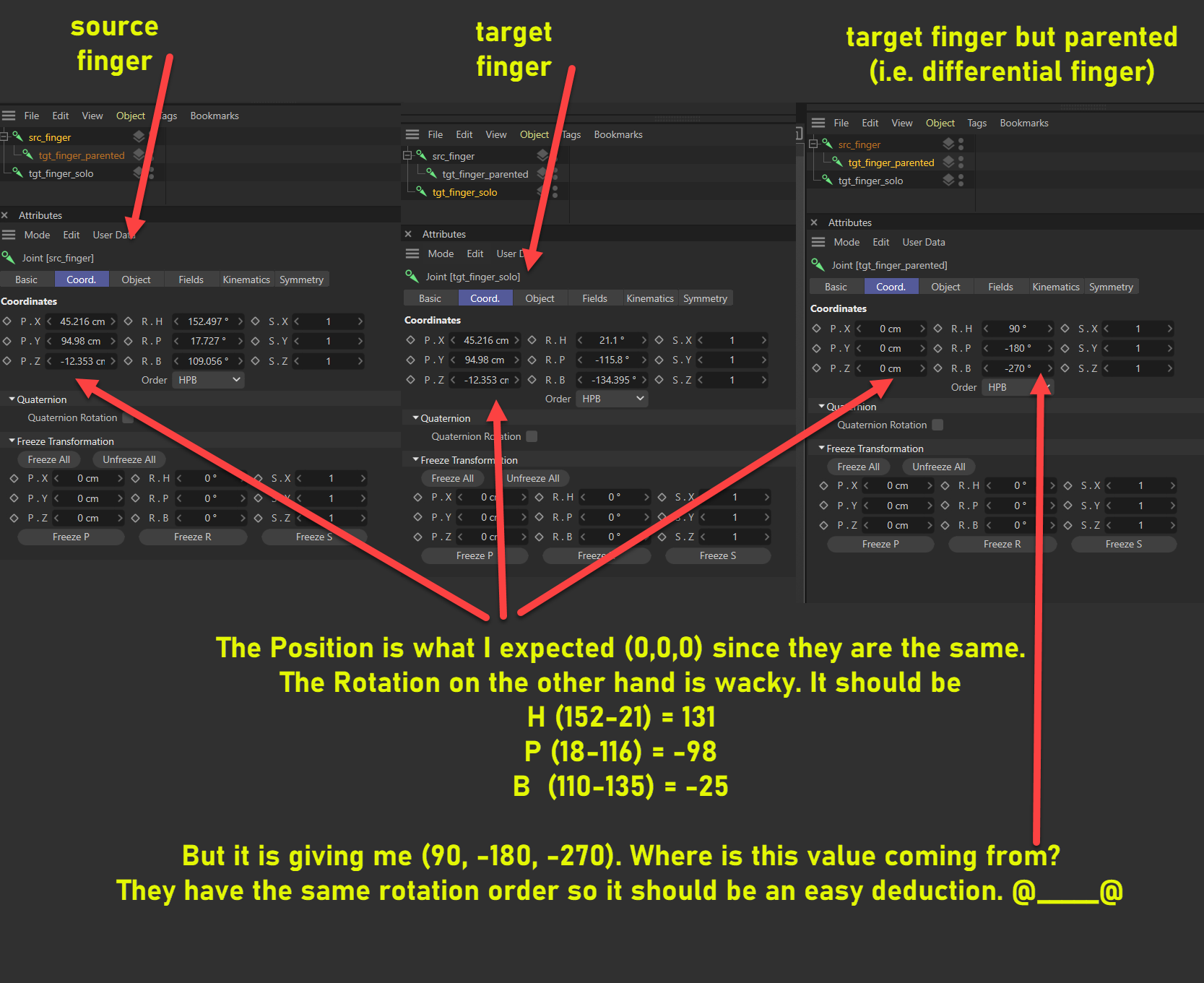
    @ferdinand Gotcha. Thanks for the clarification and the sample code. Should have probably went for the matrix transforms to begin with. I was hoping I can get away with those euler angles lol. Closing the thread now.
  • Slow MoGraph in 2023?!

    6
    1
    0 Votes
    6 Posts
    2k Views
    jochemdkJ
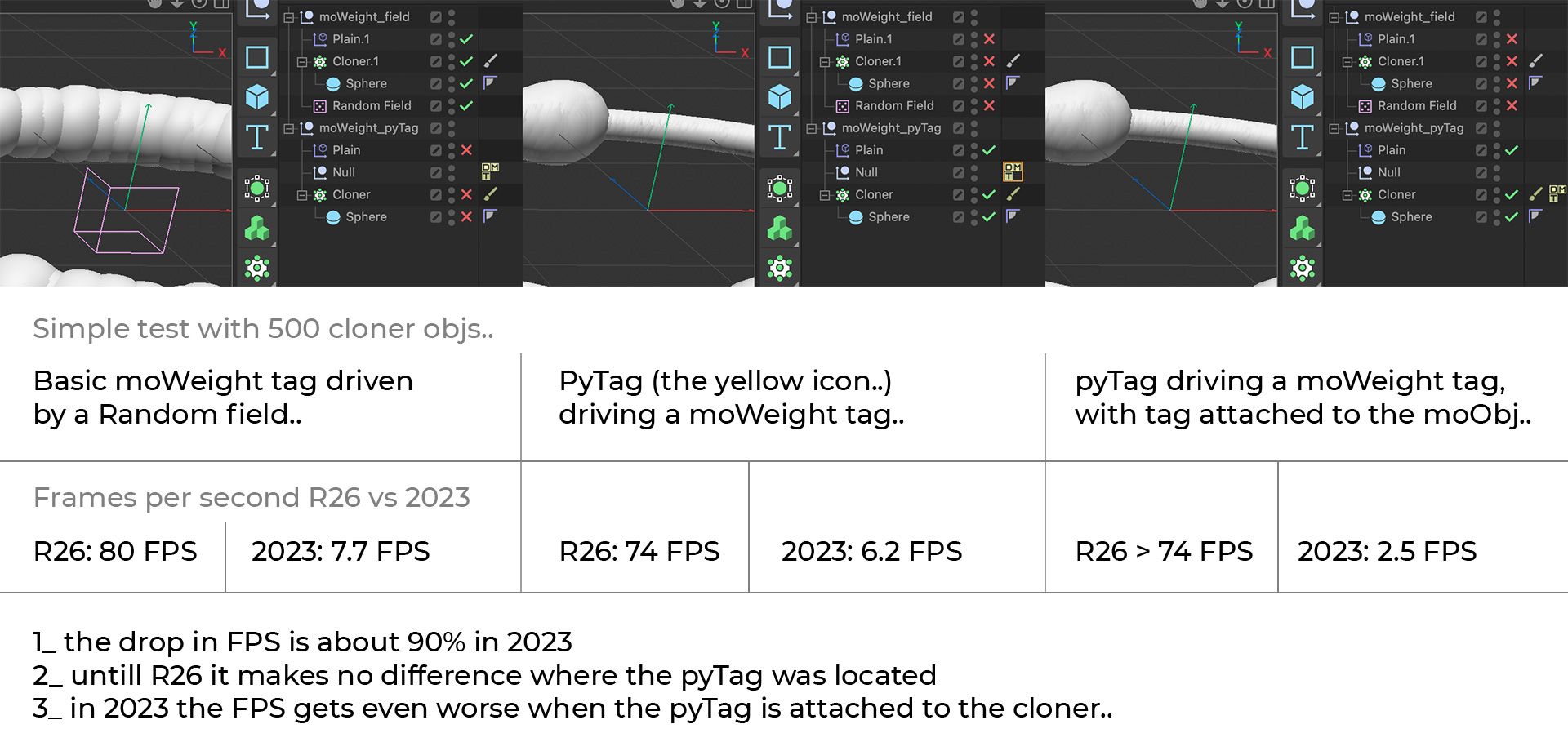
    Thx for updating.. 2023.1 seems to be working well again
  • Ability to Drag Nodes to the Console?

    r25 python
    7
    0 Votes
    7 Posts
    1k Views
    B
    @ferdinand Gotcha. Thanks for the clarification. Will close this thread now.
  • Include Description in the Search Documentation?

    r25 python
    5
    0 Votes
    5 Posts
    1k Views
    B
    @ferdinand Uhm. It's not as complicated as that. I mean it is complicated per se but there are already existing solutions. Check "Sphinx Search Extension". There are several. Pip install it and just insert it into the conf.py file. Also, it's not really as spicing it up per se. I mean it is but not really. It's just adding a sub paragraph section. The maxon redshift documentation is already doing it. And even if you are using sphinx implementation, it's also existing. Blender documentation is built using sphinx. [image: 1666619696194-8579cd6b-d0a4-4844-9563-5ee4d390a1e3-image.png]
  • Plugin works with R23 and doesn't work with S24.

    python r23 s24
    4
    0 Votes
    4 Posts
    1k Views
    K
    Got it. Thank you.