• Python Generator does not update when children are edited

    2
    0 Votes
    2 Posts
    517 Views
    M
    I just figured out the answer - I needed to disable "Optimize Cache" on the generator's Object tab.
  • Python Generator: Getting polygon data from new generators

    python sdk
    6
    0 Votes
    6 Posts
    2k Views
    ferdinandF
    I did that for the same reason @m_adam created a copy in his version: A node can only be member of one document at a time and also only be inserted exactly one time into the same document (long way of saying that Cinema is monohierachical). Cheers zipit
  • Project Tool: Some projectdefinition.txt options don't seem to work

    9
    0 Votes
    9 Posts
    1k Views
    S
    I think we are talking past each other. You can of course build any project any way you like. An then make sure that your plugins link to the build result using the link options defined in projectdefinition.txt. But I think you want to include an already existing (non-plugin) project in the solution created by the Project Tool, right? And I think that is not possible. I guess you could add the project manually to the solution created by the Project Tool.
  • Inconsistent Matrix Behavior

    r20 c++
    13
    1
    0 Votes
    13 Posts
    2k Views
    J
    Thanks for the response. I changed my code to match the example you gave and it seems like that fixes the immediate problem I was running into. It will take some tests to verify if this covers all of the circumstances that I need it to. I appreciate the help. John Thomas

  • Python Generator associated with User Data?

    Moved python
    4
    0 Votes
    4 Posts
    1k Views
    M
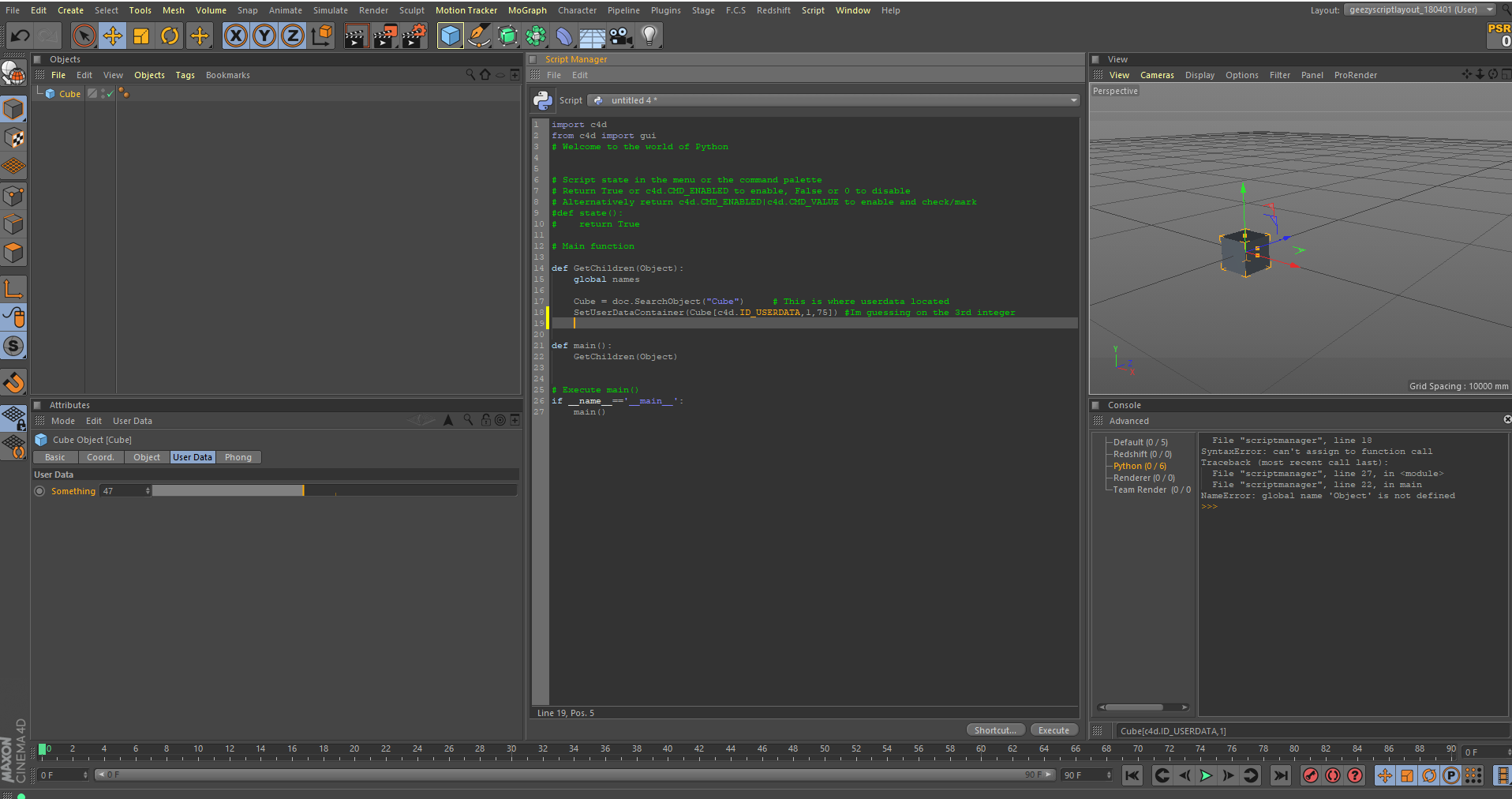
    Thanks for the great suggestions! I just discovered I can also use "File | Save Object Preset" and "File | Load Object Preset" in the Attribute Manager.
  • UNIT METER SCALE ISSUE

    4
    0 Votes
    4 Posts
    799 Views
    r_giganteR
    Hi pyr, thanks for reaching out us. Consider that the Scale modifier operates on the transformation matrix of the object when in Object Mode, whilst it operates on the parameters specified as lengths when in Model Mode. Finally, as pointed out by @zipit, providing more context will be definitively beneficial since with a very simple example I'm not able to replicate the issue as well. Best, R
  • TreeView: c4d.DRAGTYPE_FILES

    r20 python
    10
    0 Votes
    10 Posts
    2k Views
    M
    Hello Maxime, thanks for that detailed answer. Much appreciated. I see, drawing slows down things massively. (3minutes vs. a few seconds) Bad luck for me then. But it still helped me though, I'm now going for another approach. (The GUI part was just for convenience, so everything is fine) Thank you and cheers, Robert
  • Output all renderpaths

    r20 r21 windows python
    3
    1 Votes
    3 Posts
    625 Views
    B
    Thanks Maxime! In the mean time I will cycle through takes, AOVs and Frames manually to get the paths.
  • Disable default Right-Click Menu

    python r19 r20 r21
    9
    0 Votes
    9 Posts
    2k Views
    U
    @m_adam Thanks! Thats a perfect explanation that solves many of my issues - even in some of my other Plugins. I am sorry, I did in fact refer to c4d freezing when I said crashing. Sorry for the confusion.
  • Catch other object's delete/undo

    c++ r19 r20 r21
    5
    0 Votes
    5 Posts
    973 Views
    rsodreR
    @m_adam , AddEventNotification was exactly what I needed. I created a notification to NOTIFY_EVENT_UNDO, and then add my object to it. Now if I delete anything from my object after a polygon is deleted, it will be restored with Undo. Thanks! case MSG_NOTIFY_EVENT: { CHECK_BREAK( data != nullptr ); const auto eventData = static_cast<NotifyEventData*>( data ); if( eventData->eventid == NOTIFY_EVENT_UNDO ) { NotifyEventMsg* notifyMessage = static_cast<NotifyEventMsg*>( eventData->event_data ); CHECK_BREAK( notifyMessage != nullptr ); if( notifyMessage->msg_id == Int32( UNDOTYPE_DELETE ) ) { eventData->doc->AddUndo( UNDOTYPE_CHANGE, Get() ); } } break; }
  • Adding polygon UVs & Normals.

    python r20
    13
    0 Votes
    13 Posts
    3k Views
    M
    Just to add additional information, In R21 GetAllHighlevelData() and SetAllHighlevelData() are working as expected for NormalTag, so data are not any more "shifted" and correctly interpreted internally. See What's New: Fixes: Fixed an issue where VariableTag.GetAllHighlevelData() and VariableTag.SetAllHighlevelData() used Uint16 instead of int16 for Tnormal. Fixed an issue where VariableTag.GetAllHighlevelData() returned data were shifted and not complete for Tnormal. Cheers, Maxime.
  • On the problems of C + + novice

    6
    0 Votes
    6 Posts
    974 Views
    S
    Hello, there aren't any official video tutorials regarding plugin development. If you are new to C++, I strongly suggest to learn the language and how to use Visual Studio before diving into Cinema 4D plugin programming. When you are familiar with C++ and Visual Studio, the first thing you should do is to compile the provided example projects. Especially the "microsdk" show the basics of a simple project. How to build the example projects is described here: Getting Started: Introduction. What specific issues do you encounter while compiling the examples? best wishes, Sebastian
  • 0 Votes
    6 Posts
    749 Views
    S
    Hello, just for your information: GetDEnabling() gives you the description of the parameter with the itemdesc parameter. From that BaseContainer, you should be able to read the ID of the parameter's parent group (see Description Settings Manual - Groups). best wishes, Sebastian
  • 0 Votes
    6 Posts
    963 Views
    B
    @Cairyn and @r_gigante Apologies for the late response. Yes, the ExecutePasses works as expected. Thanks for the solution. I can't use the SetMg()/GetMg() because the script is part of a larger base code which is not limited only to the PSR tag. Thanks again. Have a great day ahead!
  • Custom renderer, viewport render crashes

    c++ r21
    3
    0 Votes
    3 Posts
    647 Views
    F
    "I warmly recommend cloning the whole document on a temp doc" Thanks, I'll try working on a clone. I had the impression that the document passed to the videopost was already a clone of the original document, but perhaps this is not the case for viewport rendering? "With regard to your issue, I'm a bit confused by the need you have to call BaseDocument::AnimateObject() or BaseDocument::ExecutePasses() when the VIDEOPOSTCALL in VideoPostData::Execute() is VIDEOPOSTCALL::INNER. Actually when you're in this step, you can already access and query the VolumeData to retrieve all the relevant information about the scene elements (like RayObject, RayLight and so on)." -We have some good reasons for working with the basedocument directly, rather than the data provided from the VolumeData. "Consider that this approach is sub-optimal since you're going to double the resources used to store the current document." -OK. This should be fine for our purposes. Our plugin actually provides custom rendering commands, that are the preferred way of rendering with the plugin. The videopost functionality is added as more of a convenience in our case, to make the plugin work nicely with things like viewport rendering, material preview etc. /Filip
  • Visual Studio - Debugging Plugin Error

    9
    1
    0 Votes
    9 Posts
    2k Views
    S
    Hello, you find information how to run a plugin from within Visual Studio in the documentation: Development for Microsoft Windows - Running Plugins. best wishes, Sebastian
  • Visual Studio - How to build the final plugin version.

    5
    0 Votes
    5 Posts
    787 Views
    mfersaouiM
    Thank you so much, all The Cinema 4D on the other computer was not updated to R19.068, I updated the c4d app and I made new test, it seem to work normally. To be sure, I will retest it again on a third computer. I have an error when I try to debugging plugins, I will create new topic concerning this error. Thanks again, and have a great day.
  • Creating a 'Reload Image' button

    6
    1
    0 Votes
    6 Posts
    1k Views
    S
    Hello, if in doubt, one can always call c4d.StopAllThreads() before editing the active document from some user interaction in the main thread. This call will terminate other threads that may also currently use the active document (e.g. viewport rendering). best wishes, Sebastian
  • Compling against Alembic

    4
    0 Votes
    4 Posts
    760 Views
    r_giganteR
    Hi eldiren, thanks for following up. With regard to the different amount of errors between R19 and R20 without better clarification on what were the errors on R19 I would not argue about things being "better". In R20 plugin project files are created by using the Project Tool whilst in R19 projects had to be setup manually. This could maybe helped to a certain extent. Because of the use of the Project Tool and the need to include both external headers and libraries I recommend to have a look at: including headers adding external libs Finally I recommend to switch to Alembic 1.7.7 which was the revision used in Cinema 4D R20 in order to limit potential conflicts due to the different revision level or to use your source in a separate namespace to make sure “your” Alembic binaries are used. Best, R
  • Prevent c4d from opening path passed in sys.argv

    r20 python windows
    5
    0 Votes
    5 Posts
    991 Views
    B
    Thanks! I'll try that.